 Chobial
A graduated filter on iPhone: the linear gradient mask
Landscape photographers carry graduated ND filters: glass that is dark at the top and clear at the bottom, to hold a bright sky back while exposing for the ground. A linear gradient mask does the same thing after the photo is taken, and you can put it at any angle.
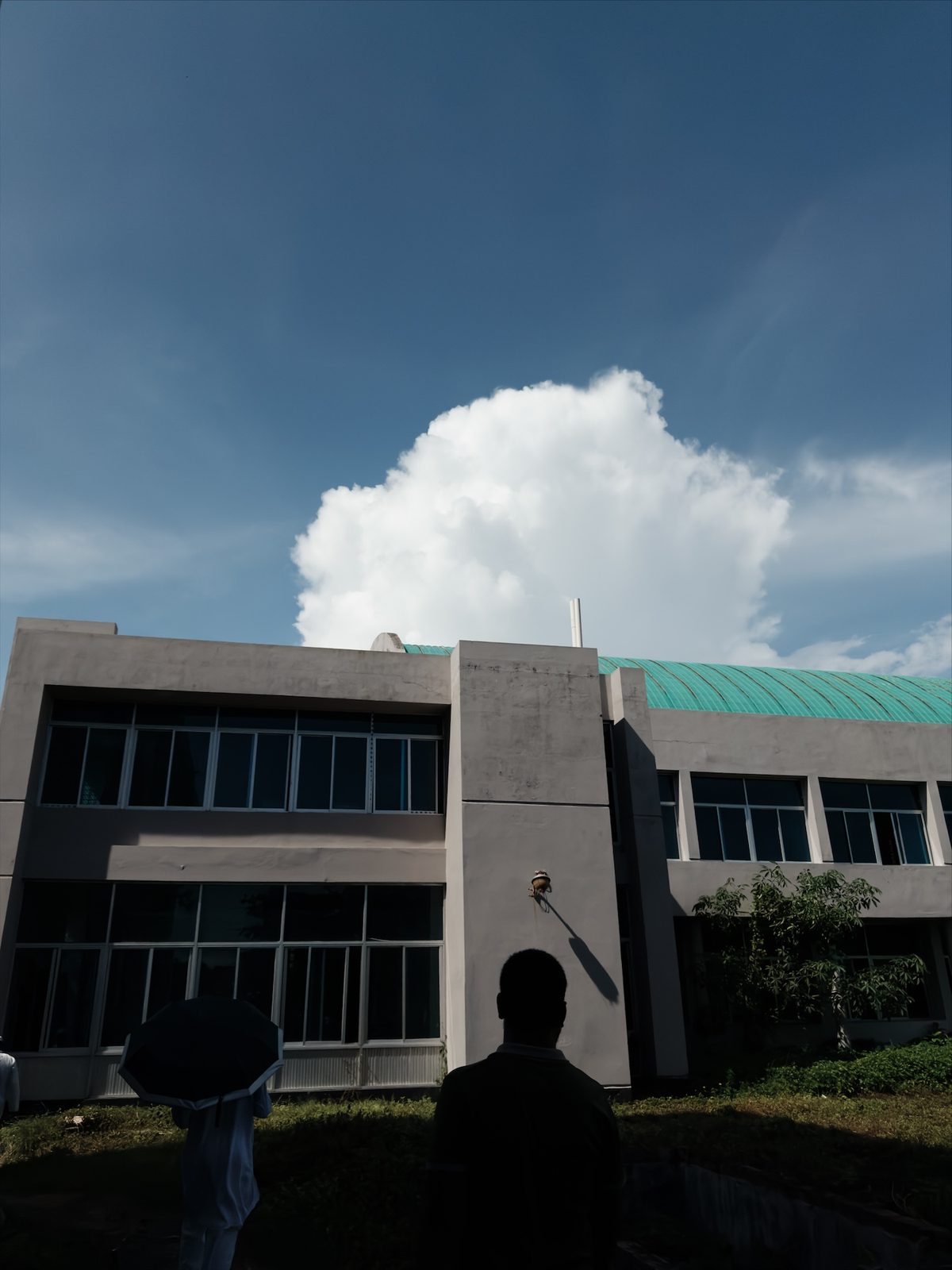
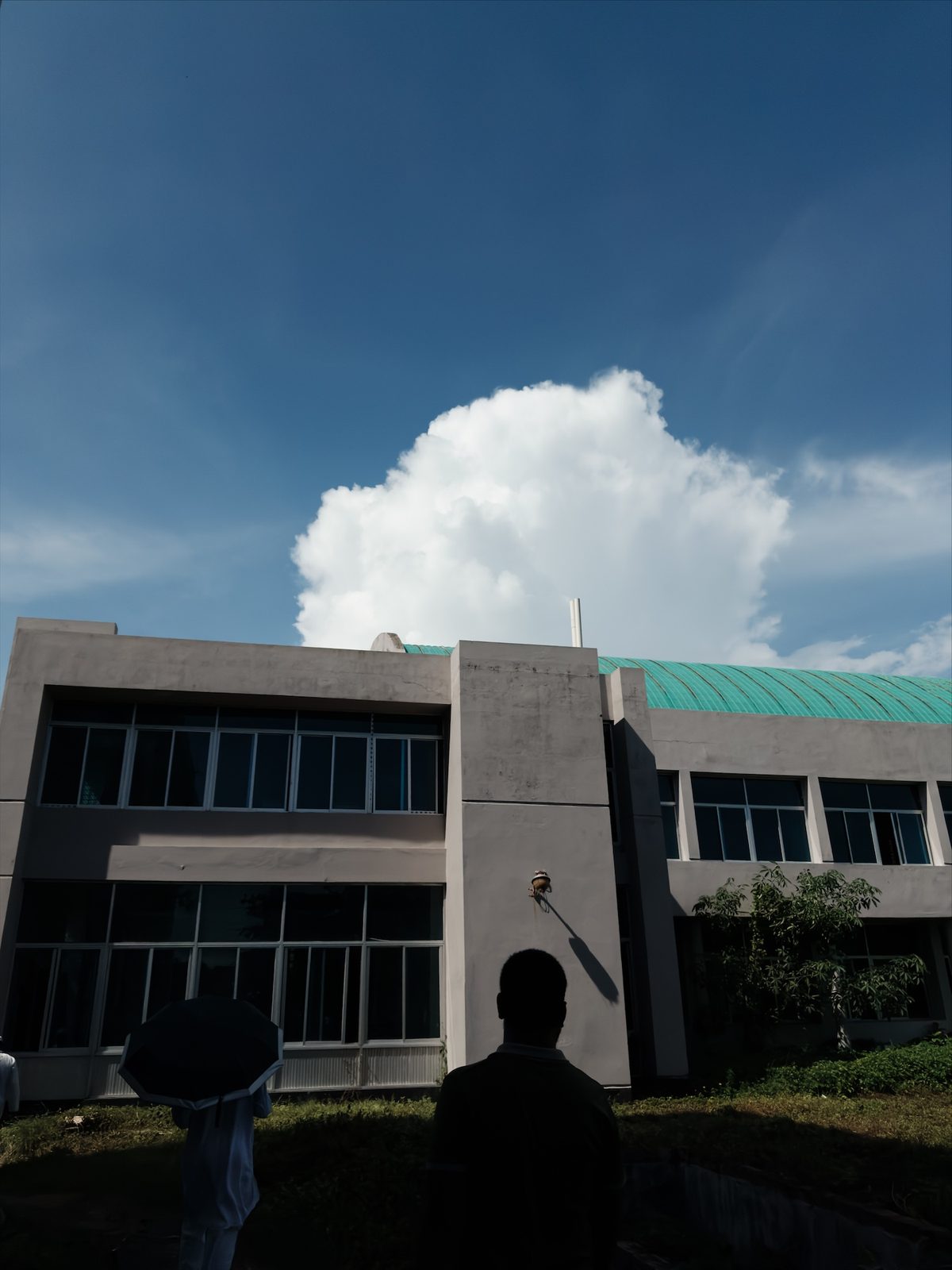
1 · Draw the gradient
- Open the photo, tap edit, choose Masks and tap + New.
- Under Draw, tap Linear Gradient.
- Drag on the photo from where you want the full effect to where you want it to stop.
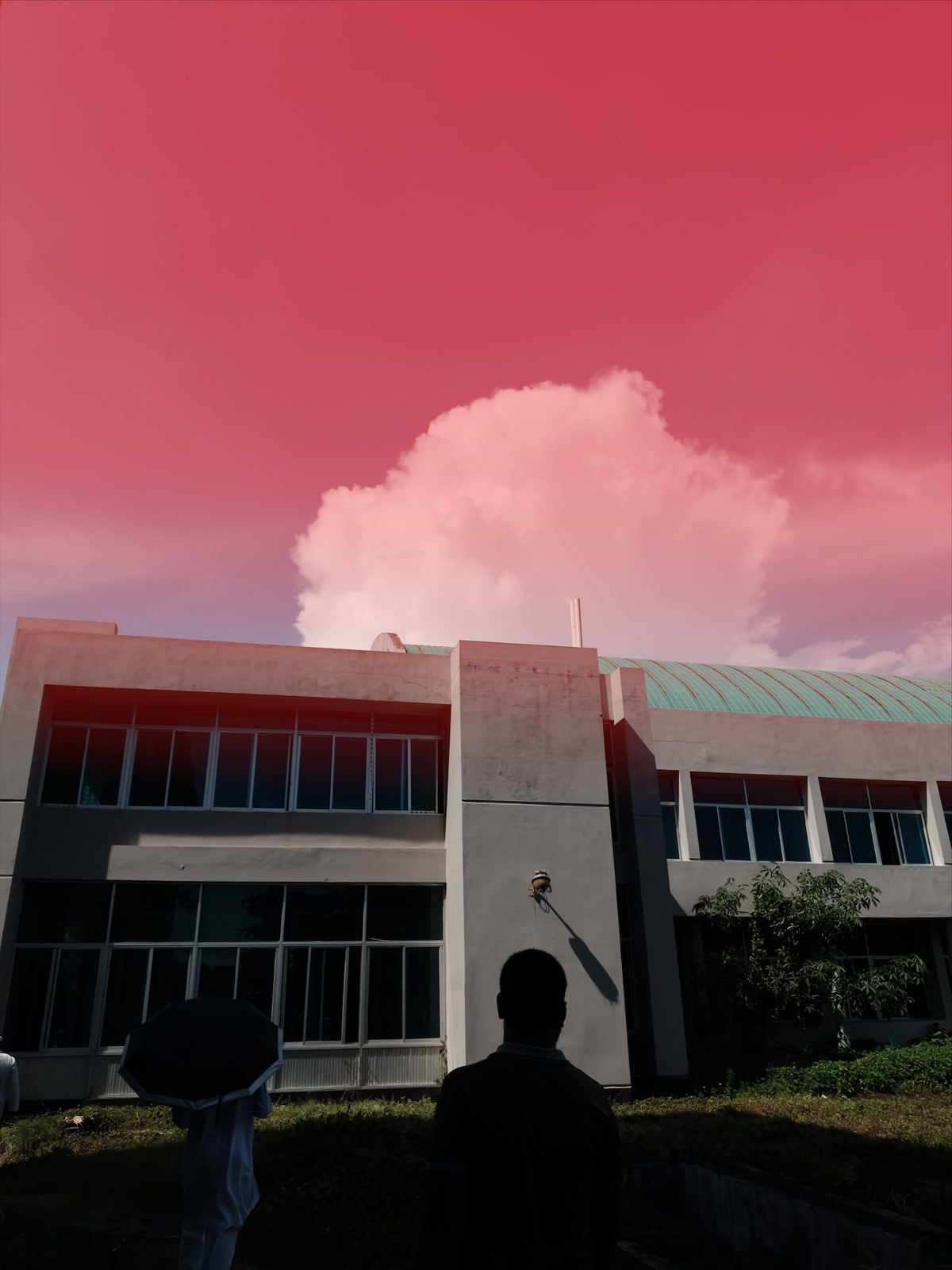
There are three handles on the photo:
- The filled handle is where the effect is at full strength.
- The hollow end handle is where it has faded to nothing. Move it closer for a hard edge, or further away for a soft one.
- The middle handle moves the whole gradient without changing it.
Drag anywhere away from the handles to draw a new gradient.
2 · Settings
Linear gradient, deeper sky
| Vibrance | +25 |
| Brightness | −9 |
The photo above only needed a small change. It already had a good sky, and the gradient deepens the blue towards the top of the frame, the way a polariser would. For a bright, overcast sky, pull Highlights and Exposure down on the mask instead. That is the classic graduated ND.
Other uses
- Foreground: drag up from the bottom edge and raise Shadows to open up a dark foreground.
- Side light: drag in from the side of a window and warm it with Temperature.
- Fading the film: drag down from the top with Saturation down and Brightness up, for the look of a faded print.
If the sky has a clear outline, a sky mask is usually more precise. For a round area, use a radial gradient.
Questions
What is the difference between a linear gradient and a sky mask?
A sky mask selects the sky itself, whatever its shape. A linear gradient selects a band of the frame that fades out gradually, whatever is in it. Use the gradient when there is no clear sky, or when you want the edit to fade across the frame.
Can I make the gradient harder or softer?
Yes. Drag the two outer lines closer together for a hard transition, or further apart for a soft one.
Can I use it at the bottom of the frame?
Yes. Drag it in any direction, including upwards from the bottom or in from a side.