Chobial is a film camera and photo editor for iPhone, iPad and iPhone Duo. You shoot with a film look in the viewfinder, and you can develop the photo again in another film at any time. It's on the App Store now, and the Android app is in a closed beta on Google Play.
Get it on the App Store Download the press kit (.zip, 15 MB)
Fact sheet
| Name | Chobial |
|---|---|
| What it is | A film camera and photo editor |
| Made by | Abu Ashraf Masnun, on his own |
| Platforms | iPhone, iPad and iPhone Duo, on iOS 26 or later, with an Apple Watch remote. Android 12 or later in a closed beta on Google Play. There's no Mac version yet, but an editor-only Mac version is planned. |
| Category | Photo & Video |
| Status | Available on the App Store. Android is in a closed beta on Google Play. |
| Films | 46 built-in films: 35 colour and 11 black and white. 22 of them are free to save. |
| Price | Free to download and shoot. Chobial Pro is $29.99 once, or $14.99 a year with the first week free. These are US prices. Family Sharing is included with the App Store purchase. |
| App Store | apps.apple.com/app/id6817110797 |
| Website | chobial.app |
| Privacy | No account, no analytics and no ads |
| Press contact | [email protected] |
Free and Pro
Free: shoot RAW, ProRAW, HEIF and JPEG. Develop with any film, and develop again. Import the photos you already have. Make, edit and share your own films. Edit every photo, and try masks, heal and clone. Save photos in 22 of the 46 films.
Pro: save in all 46 films and your own. Save photos that use masks, heal and clone. Pro also adds DNG and batch export, auto-save, .cube and Lightroom preset export, reels and more collage layouts.
About Chobial
Short (50 words)
Chobial is a film camera and photo editor for iPhone, iPad and iPhone Duo. You see the film live in the viewfinder. Chobial keeps the original, so you can develop any photo again in any of 46 films. You can make your own film and share it as a QR code. Shooting is free.
Long
Chobial shoots RAW by default. It uses Apple ProRAW on Pro iPhones from the 12 Pro, and Bayer RAW on other lenses that offer it. HEIF and JPEG are there when you want them. The film you pick is on the picture in the viewfinder before you press the shutter. To change film, you swipe across the picture.
The film never changes the original photo. Chobial keeps the original, so you can open a photo next week and develop it in another film. You can do this as many times as you like. Photos you took before you had Chobial work too. You can import RAW, ProRAW, HEIF and JPEG photos, including RAW files from most cameras, and every film works on them. A camera or card reader can be connected with USB.
There are 46 built-in films, 35 in colour and 11 in black and white. 22 of them are free to save. Each film is a recipe that you can open and change. The film editor has curves, a colour mixer, split toning, grain, halation and bloom. You can also start a film from a .cube LUT or a Lightroom preset. To share a film, you show its QR code. Anyone with Chobial can scan the code, even from a screenshot, and they have your film.
The editor has masks for the subject, the sky, the background and people. They're found on the device. There are also brush, gradient, colour and brightness masks, and heal and clone. Describe Edits turns a sentence like "warmer, with a darker sky" into the editor's own sliders. It works on iPhones and iPads with Apple Intelligence, and on Android phones with Gemini Nano. The model runs on the device, and you can change every slider afterwards.
The camera has full manual controls, a histogram and zebras. It works with Camera Control, the Lock Screen, Siri and an Apple Watch remote. Photos can be saved with a caption and a frame. There are five frame styles, from a plain border to an instant print, a film card or a strip of 35 mm negative. Edits can also become a short video reel. Films, settings and photos sync through iCloud.
On iPad and iPhone Duo, the camera and the editor sit beside the picture. The iPhone Duo's outer screen can show the person you're photographing the picture, in the film.
Chobial for Android is in a closed beta on Google Play, for Android 12 or later. It has the same 46 films. On book-style foldables like the Galaxy Z Fold, the camera uses the whole inner screen. Half-fold the phone and stand it up, and you get the picture on top and a big shutter below. Android doesn't sync.
What's different
- Every photo can be developed again. Chobial keeps the original, so you can change the film next week or next year. That includes photos you import from before you had the app.
- You can make your own film. You start from scratch, from a built-in film, from a .cube LUT or from a Lightroom preset. Then you shoot with it live in the viewfinder.
- A film fits in a QR code. Anyone with Chobial can scan it from a phone screen, a screenshot or a printed page.
- You can try everything before you pay. Shooting, developing, editing and making films are free. Masks, heal and clone are free to try, and saving a photo that uses them is Pro. 22 films save for free.
- Each screen has its own layout. iPhone, iPad and iPhone Duo each get one. The Android beta has one for book-style foldables.
Who makes it
Chobial is made by Abu Ashraf Masnun, a software engineer with a passion for photography.
Icon and screenshots
Click any image for the full web version. The zip has full-size iPhone screenshots (1206×2622). For the newest full-size captures, email me.
 App icon, 1024 px
 Banner, 1200×630
 Live film
 A photo in the Negative film
 Develop again in another film
 Film editor, grain
 A film as a QR code
 Sky mask
 Instant frame
 Library
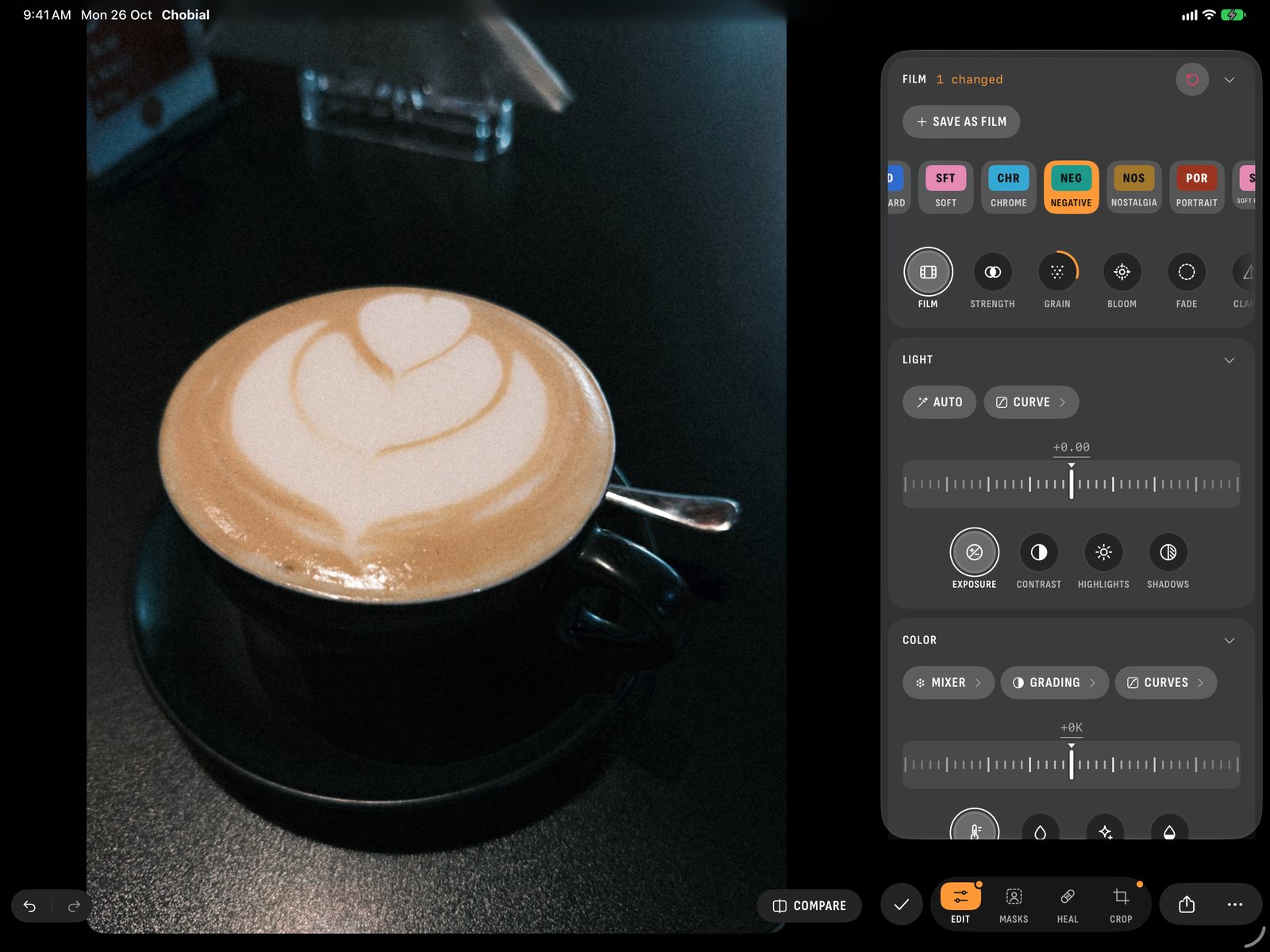 iPad, editor
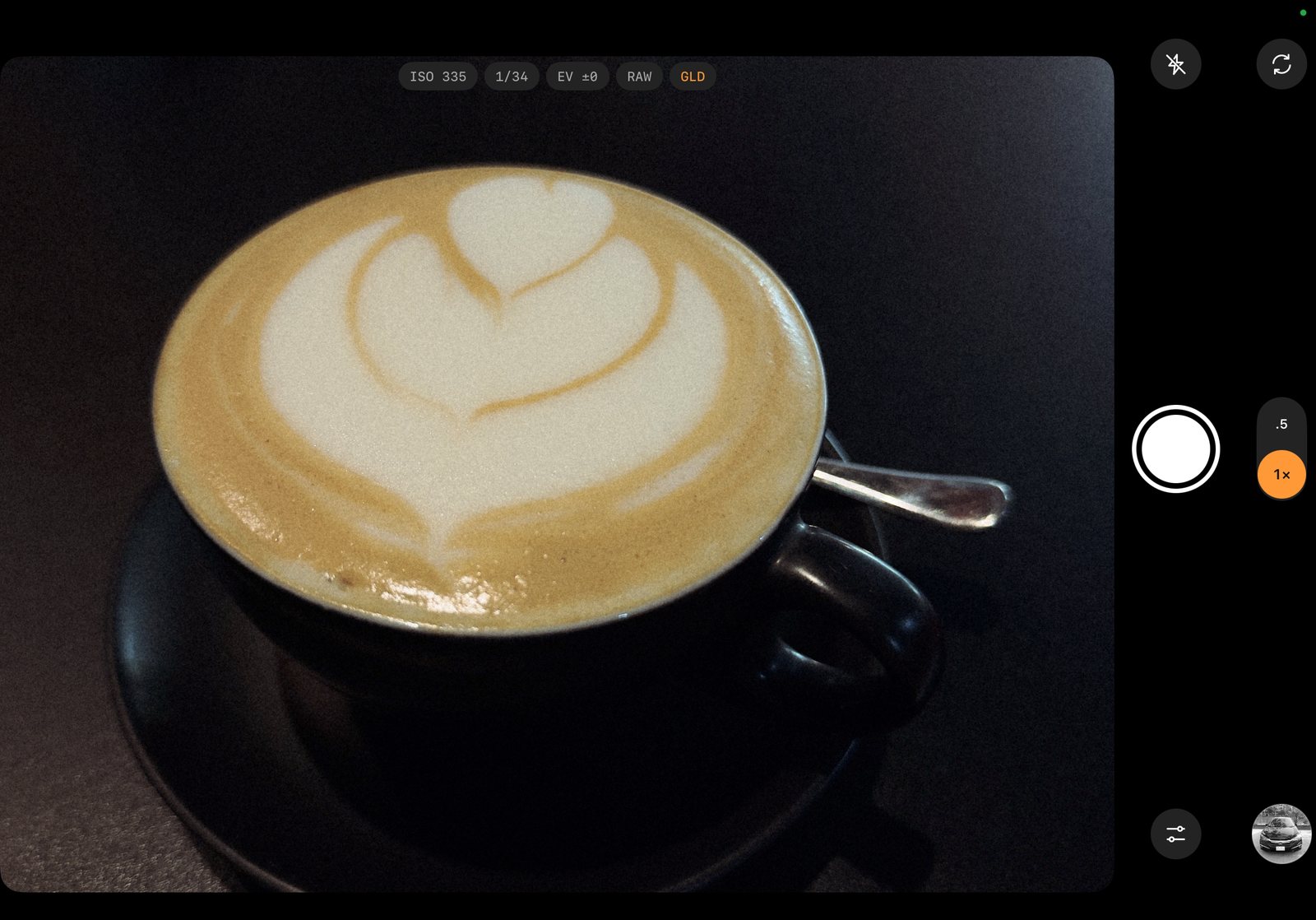 iPad, camera
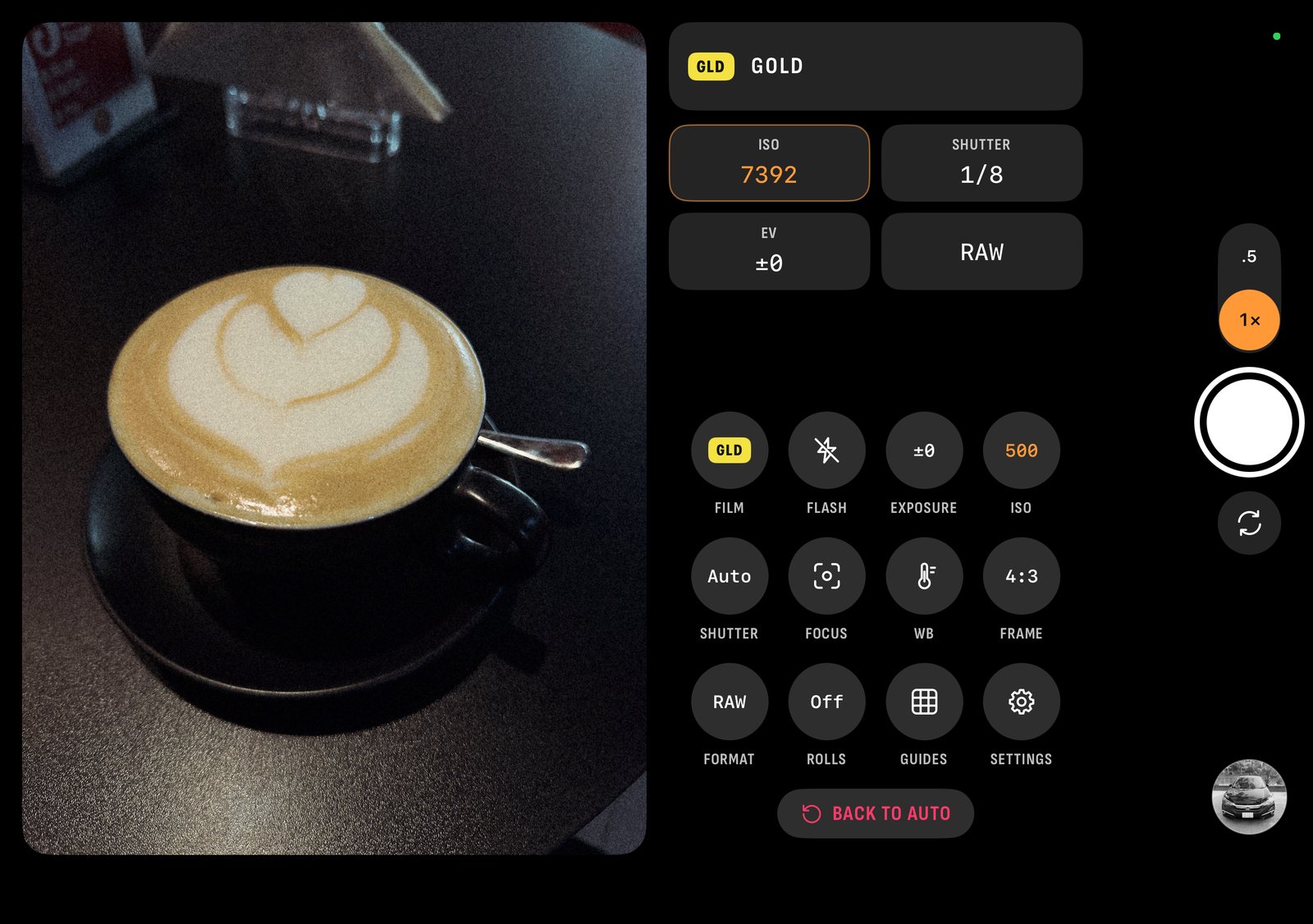 iPhone Duo, camera
 iPhone Duo, outer screen
Each film has sample photos on its own page. See the films.
The 46 films
Here's each built-in film and its character. The films are Chobial's own. Chobial is not connected to Fujifilm, Kodak or any other film maker.
| Film | Character | Saves free |
|---|---|---|
| Standard | True-to-life colour with crisp, moderately hard tone | Yes |
| Soft | Gentle tone with bright colour, flattering on skin | Yes |
| Chrome | Muted documentary colour, firm shadows, cyan-leaning skies | Yes |
| Negative | Consumer negative: hard contrast, teal greens, deep reds, warm highlights | Pro |
| Nostalgia | Amber highlights and rich shadows, like 1970s colour prints | Pro |
| Portrait | Soft contrast, creamy skin and muted greens | Yes |
| Soft Portrait | Studio portrait negative: low contrast, muted colour, open shadows | Pro |
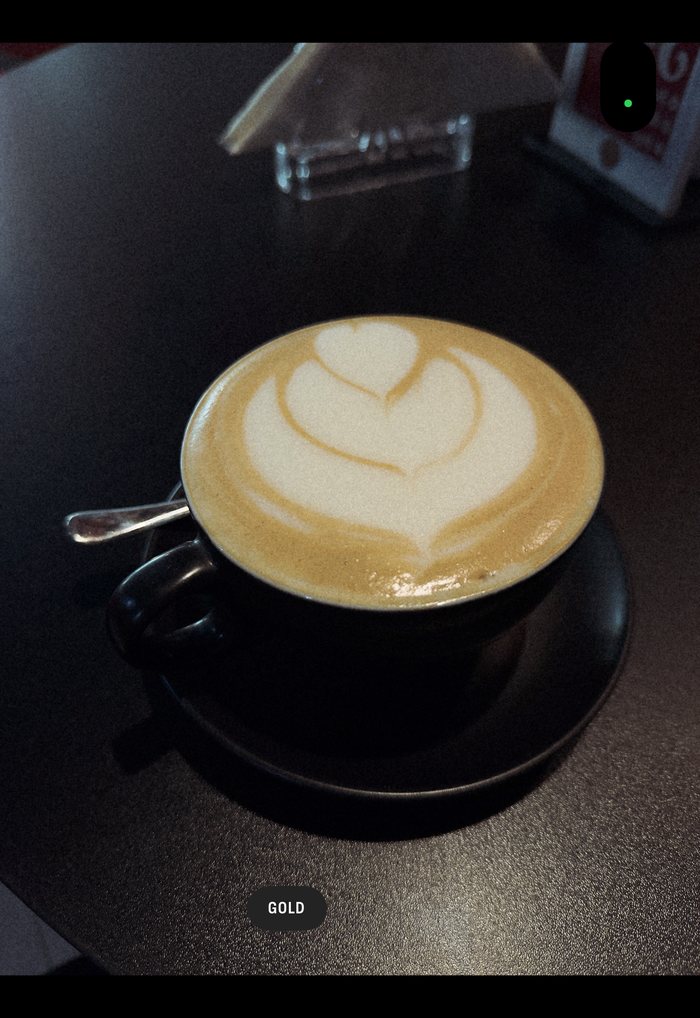
| Gold | Golden warmth, punchy yellows and olive greens | Pro |
| Saturated | Slide film for landscapes: deep greens and skies | Pro |
| Natural | Faithful colour with an open, gentle highlight | Pro |
| Postcard | Dense slide colour: red survives, green does not | Pro |
| Expedition | Documentary slide: blues kept, greens held back | Pro |
| Cinema | Motion picture film: flat, quiet colour and shadows full of detail | Pro |
| Bleach | Bleach bypass: silvery, desaturated colour with hard contrast | Yes |
| Vintage | Old print colour: deep and warm, with heavy grain and soft detail | Pro |
| Tungsten | Tungsten motion picture film: cool, blue-leaning colour, quiet greens and a glow round the lights | Pro |
| Heritage | Classic slide colour: rich greens and magentas, golden highlights, deep shadows | Pro |
| Vivid | Fine-grained negative: hard contrast, deep blues and clean reds | Pro |
| Pastel | Airy negative: soft highlights, cool shadows and minty greens | Pro |
| Dusk | Fast negative pushed a stop: warm shadows, cool highlights and coarse grain | Pro |
| Everyday | Consumer negative: punchy contrast, warm shadows and bright reds | Pro |
| Lifelike | Faithful negative colour: neutral greys, clean skies and fine grain | Pro |
| Instant | Instant film: warm shadows, pale greens and bright, turned cyans | Pro |
| Peel Apart | Peel-apart instant colour: warm shadows, soft highlights and gentle colour | Pro |
| Wedding | Portrait negative: warm skin, cool highlights and soft yellows | Yes |
| Holiday | Consumer negative: warm shadows, firm contrast and rosy reds | Yes |
| Eighties | Old portrait negative: warm, gentle contrast and soft colour | Yes |
| Aerial | Aerial survey negative: hard contrast, muted greens and yellows | Yes |
| Snapshot | Consumer negative: green-leaning colour with cool, clean highlights | Yes |
| Cool | Budget negative: cool, clean colour with crisp shadows | Yes |
| Night | Fast negative: warm shadows, cool highlights and heavy grain | Yes |
| Daylight | Daylight motion picture film: muted colour and gentle, cool highlights | Yes |
| Projection | Motion picture print: cool, silvery highlights and quiet reds | Yes |
| Landscape | Slide film pushed hard: deep blues and glowing reds and oranges | Yes |
| Clear | Modern slide film: saturated greens and blues, warm highlights | Yes |
| B&W | Fine-grained black and white with deep blacks | Pro |
| B&W + Ye / R / G | B&W with a yellow, red or green filter | Pro |
| Mono | Clean black and white with an even tone and no grain | Yes |
| Mono + Ye / R / G | Mono with a yellow, red or green filter | Yes |
| Sepia | Warm brown black and white, like an old toned print | Yes |
| Noir | Motion picture black and white: bright skies, dark foliage and deep shadows | Pro |
| Press | Classic press black and white: open shadows, bright skies and gritty grain | Yes |
Contact
For a free Pro code to review the app, an interview, Android beta access or full-size sample photos, email me at [email protected]. I answer every email myself.