 Chobial
Tame a hotspot on iPhone with a radial gradient mask
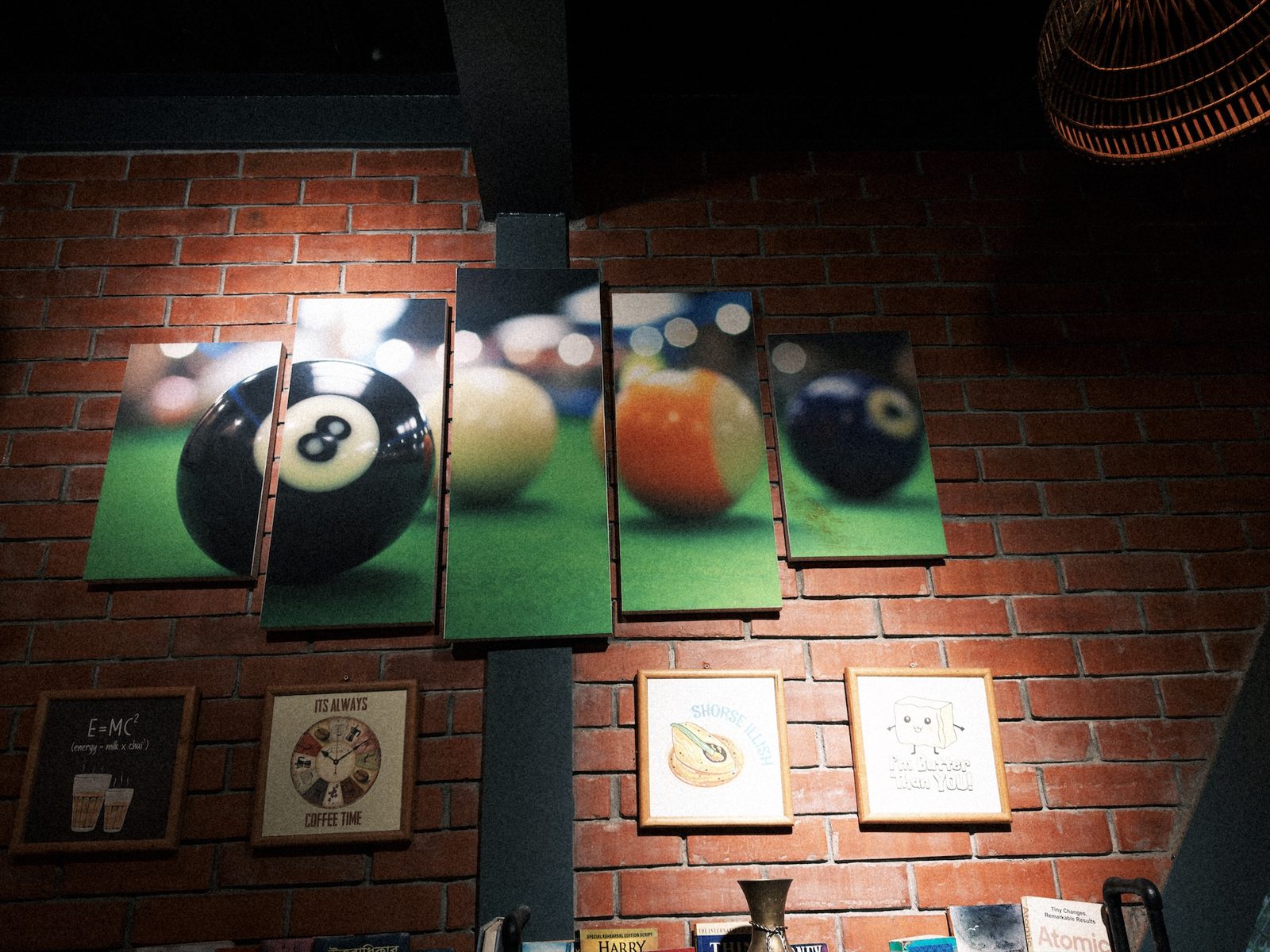
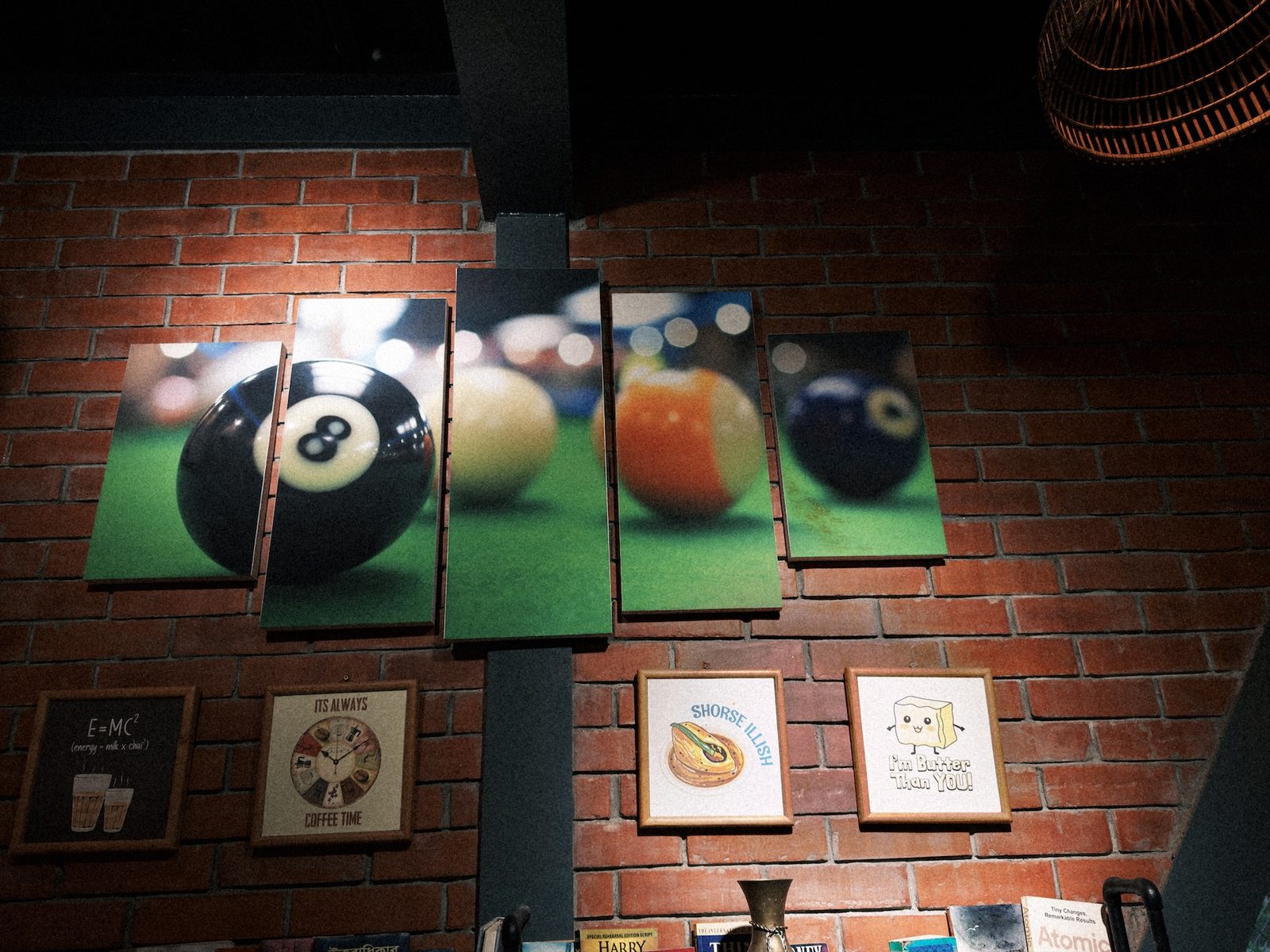
Indoors, lights rarely fall evenly. A spotlight on a wall, a lamp in the corner or a patch of sun on the floor will burn out one part of the frame while the rest looks fine. A radial gradient selects an oval with a soft edge, so you can bring that part down to match the rest.
1 · Draw the oval
- Open the photo, tap edit, choose Masks and tap + New.
- Under Draw, tap Radial Gradient.
- Put your finger in the middle of the hotspot and drag outwards to draw the oval.
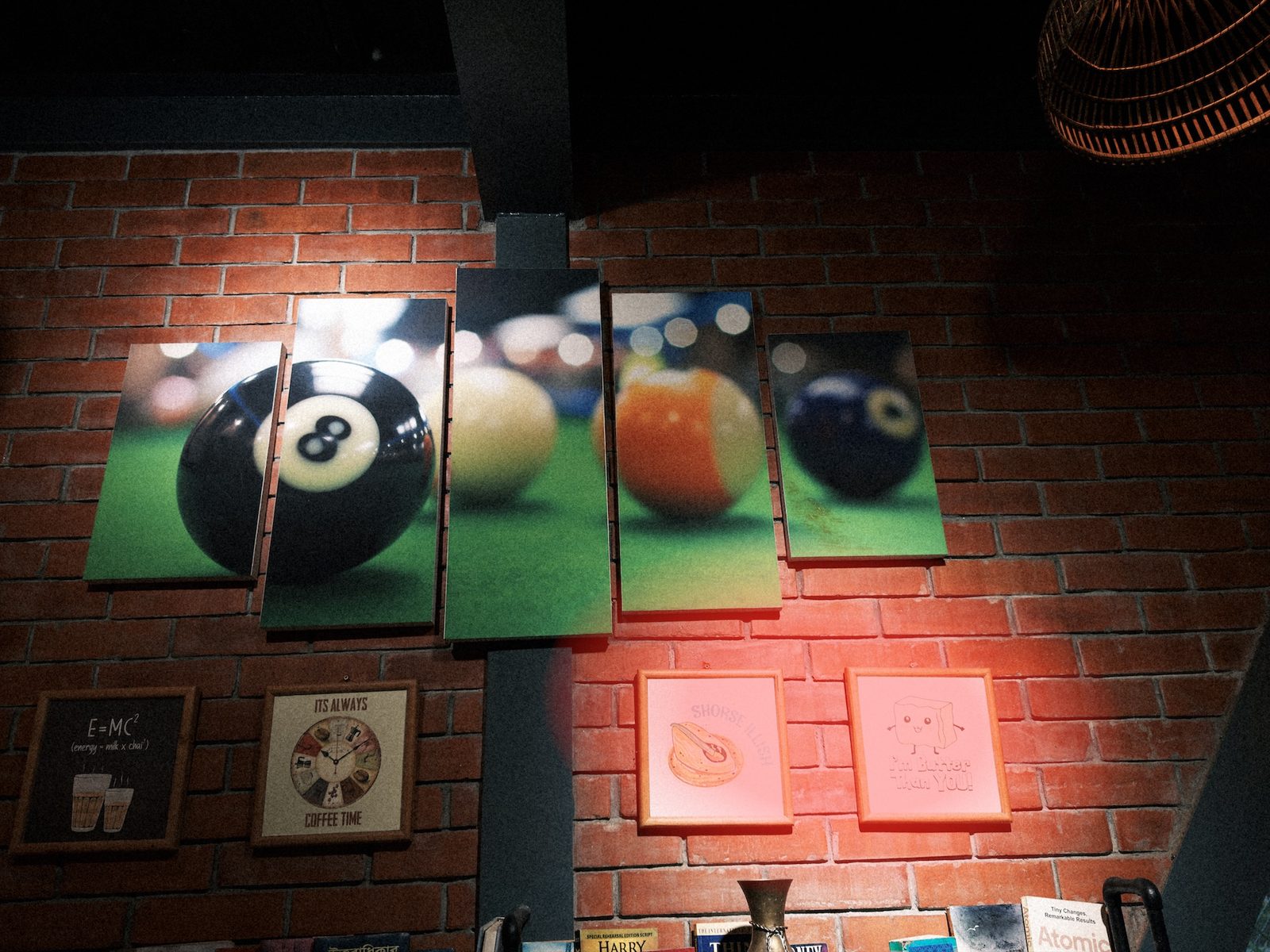
- Move it: drag the filled centre handle, or anywhere inside the oval.
- Shape and turn it: drag the hollow handles on its edge. Each one stretches its own axis and turns the oval.
- Soften it: use the Feather slider. A light pool has soft edges, so it should be high.
2 · Bring the light down
Radial gradient, hotspot
| Highlights | −100 |
| Brightness | −73 |
| Feather | 50% |
This was a strong spotlight, so these are strong settings. Highlights recovers the burnt paper in the frames. Brightness brings the brick around them back to the level of the rest of the wall. Brightness moves the mid-tones and leaves black and white where they are, so it pulls the light down without making the blacks muddy.
Other uses
- Spotlight a subject: an oval over the subject with Exposure +0.3, then Invert a second one with Exposure −0.5 for a vignette you can shape and move.
- A face that wasn't found: a small oval with a high feather and Shadows up. See fixing an underexposed face.
- The sun: an oval around it with Temperature warmer and Dehaze down, for a softer glow.
Questions
Can the oval be turned?
Yes. Drag one of the handles on its edge around the centre. The oval turns with it and changes size at the same time.
Can I brighten with it instead?
Yes. A radial gradient can raise Exposure or Shadows as easily as it lowers them. That makes it a good spotlight for a face that wasn't found, or for a subject in a dark room.
Can I edit outside the oval instead?
Tap Invert. The mask then covers everything except the oval, which makes a vignette you can shape and move.