 Chobial
Chobial, an iPhone film camera that shoots RAW
- Shoot RAW. Keep the negatives.
- Develop with film. Yours or ours.
- Live preview. See it before you click.
- Editor built in. Light, colour, tone, AI masks.
- iCloud sync. Photos, films and settings.
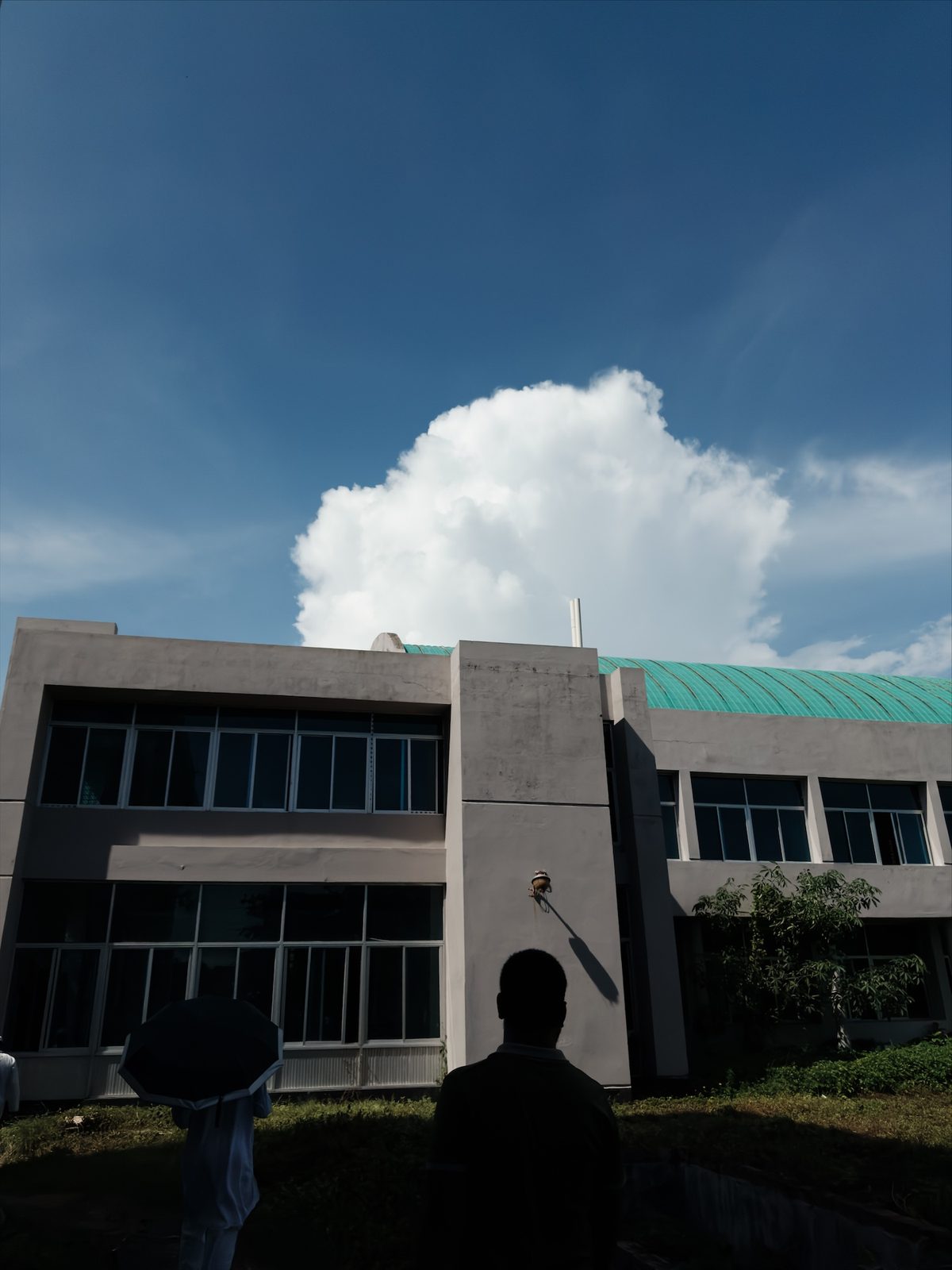
iPhone RAW, developed in Chobial
a gradient mask on the sky
RAW is the new negative.
Chobial shoots RAW or ProRAW. Develop a photo with one film, then develop it again with another: the way you like, as many times as you need. Try it on the frame below.

 CleanGold
Gold
Consumer negative: golden warmth, punchy yellows and olive greens.
Fifteen colour, nine black and white. Each is a starting point you can open and change.
See before you click.
Swap films and the live preview changes. The viewfinder shows the film's look before you press the shutter. Underneath, you still keep the RAW, so you can develop it with another film later.
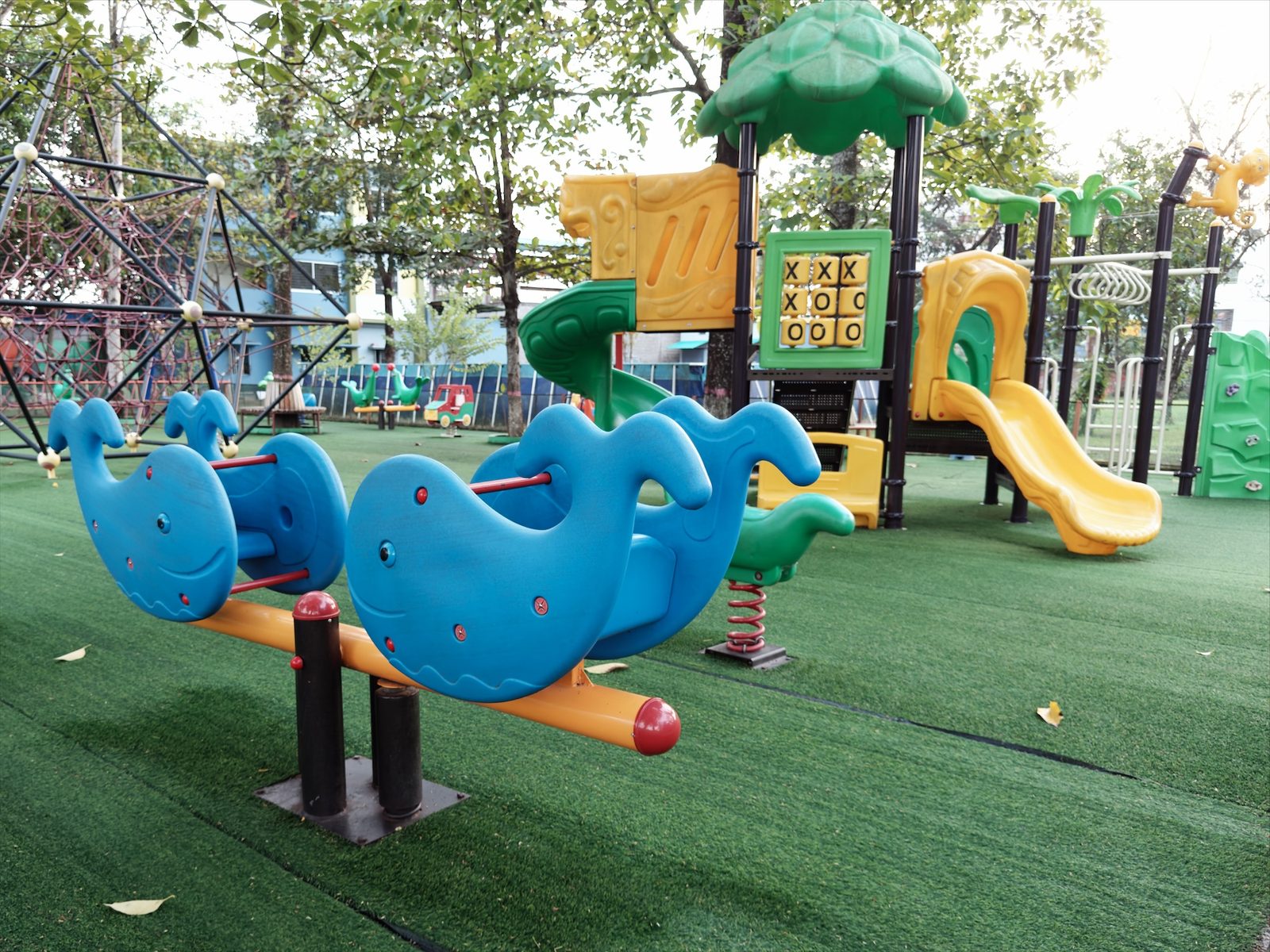
It's a camera first. The controls are the ones a camera has, and they stay out of the way until you reach for them.
- ModesP, S, ISO and M, with exposure compensation in third stops
- MeteringLive RGB histogram, zebras at a clipping level you set, grid and level
- FocusManual from near to infinity, loupe and focus peaking, tracking for people and pets
- White balancePresets, 2500–10000 K, or measured off a grey card
- Frame lines4:3, 3:2, 1:1, 16:9 and 65:24. The whole sensor is kept, so framing stays open
- ShutterCamera Control, Apple Watch, Lock Screen, Control Center, Siri
Our films are good. Yours are better.
Enjoy colours inspired by classic film stocks, then bring in your own. Build a film on top of a LUT, add grain, halation and bloom, tweak the curve. Make it yours.
Halation is the red glow film puts around bright lights, because the light went through the emulsion and bounced back off the film base. Here it's a radius and a strength.
Grain follows a curve measured from real film renderings. It's strongest in the midtones and stays in the highlights, which is why a grey wall looks gritty the way it does on Tri-X.
Start from a built-in film, from scratch, or from any .cube LUT, and export your film as a .cube for Lightroom or Resolve. How the built-in films were solved.
Gold
GLD · No. 07 · Colour negativeTone curves
Colour, by hue
| Hue | In → out | Chroma | Turn |
|---|---|---|---|
| Red | ×0.71 | +2.0° | |
| Orange | ×0.86 | +0.6° | |
| Yellow | ×0.78 | −9.2° | |
| Green | ×0.79 | −6.3° | |
| Cyan | ×0.74 | +4.0° | |
| Blue | ×0.74 | −8.3° | |
| Violet | ×0.82 | −2.2° | |
| Magenta | ×0.84 | +0.6° |
Effects
- Grain amount
- 22%
- Grain size
- 1.2
- Halation
- off
- Fit to reference
- ΔE 3.54, five frames
Batteries Editor included.
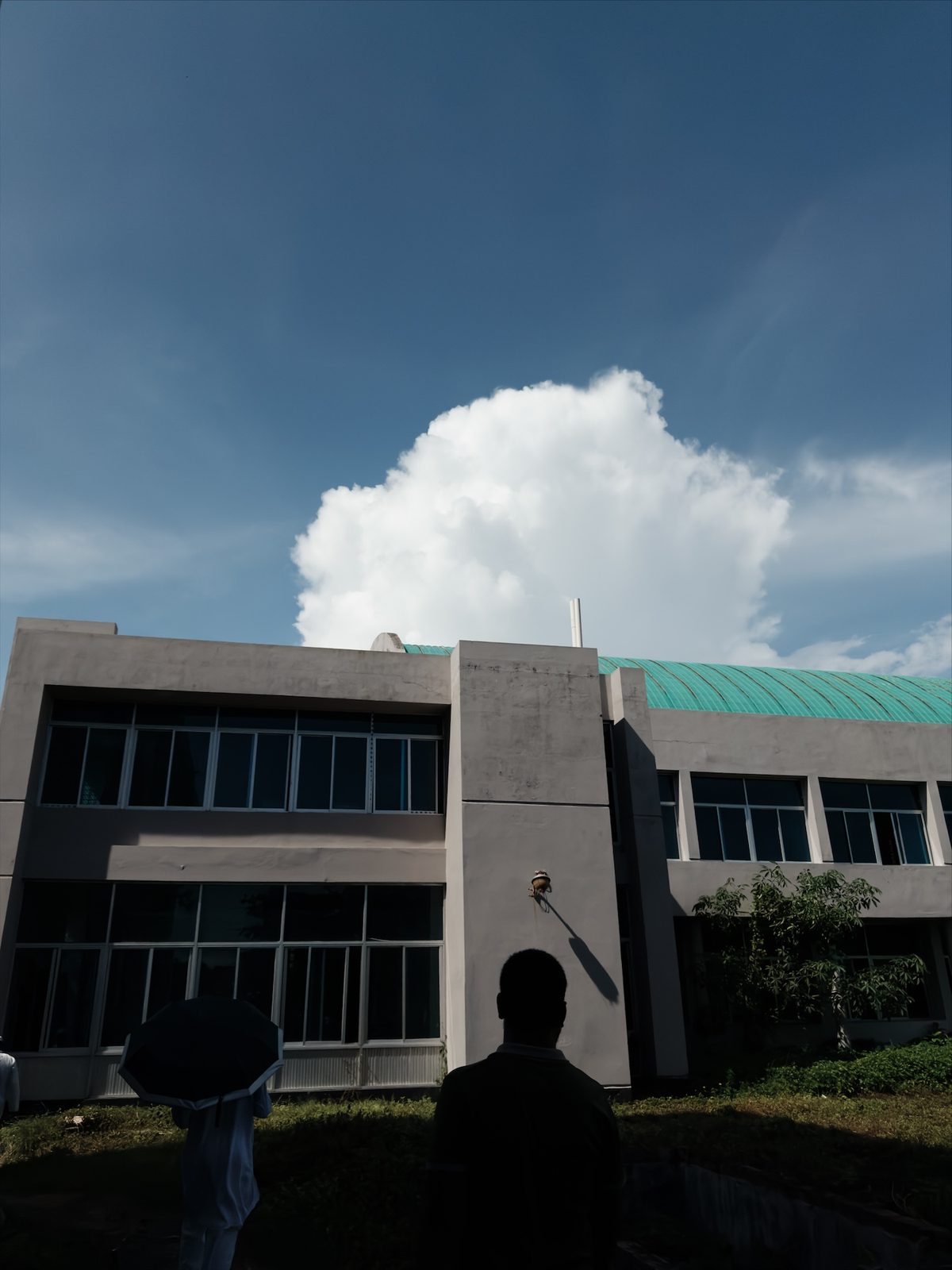
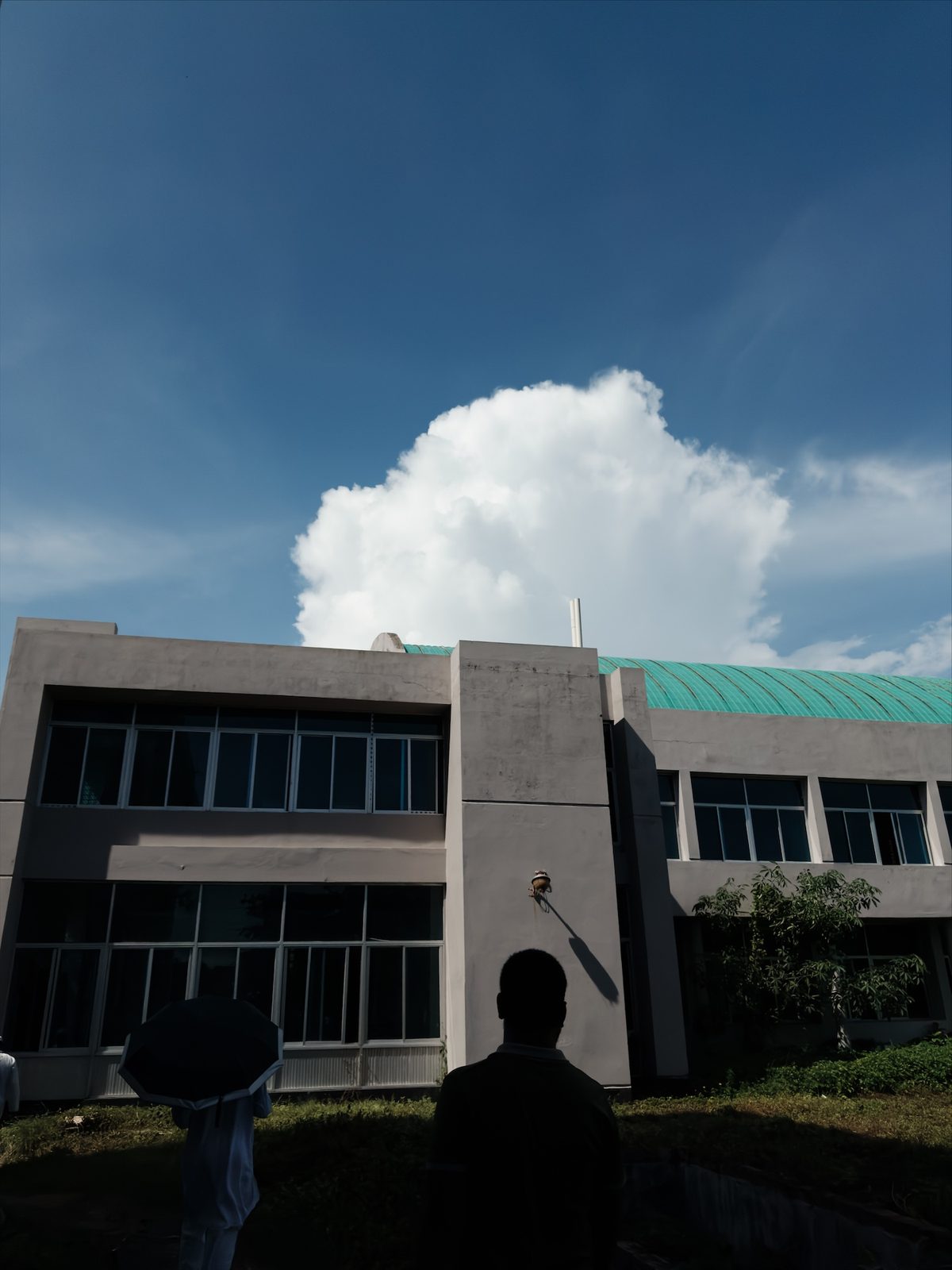
It's not just a camera. Chobial comes with a full editor for everyday photo editing: light, colour, tone and curves. For selective edits, AI masks find the subject, sky and people, or you can draw a gradient or radial yourself.
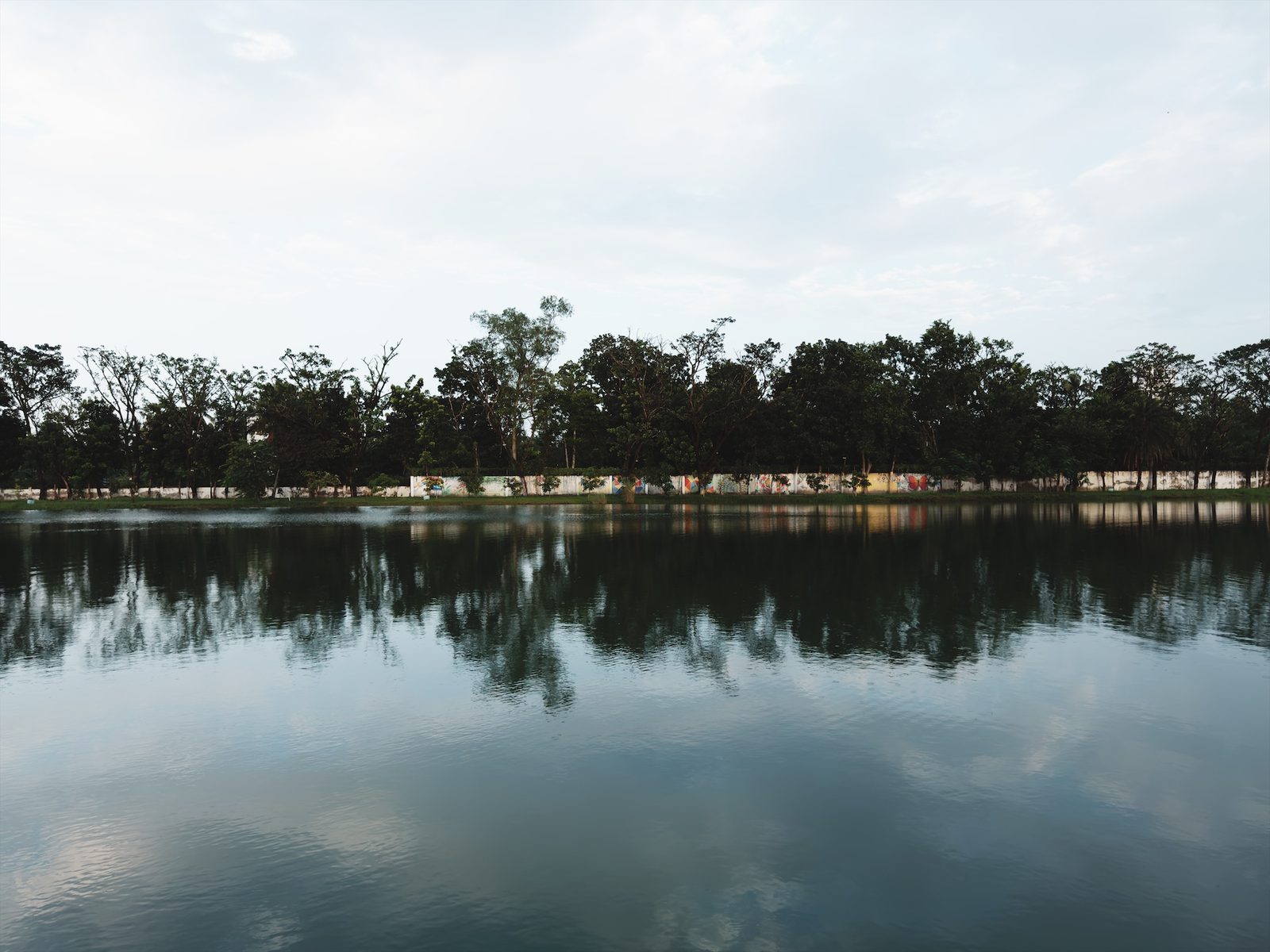
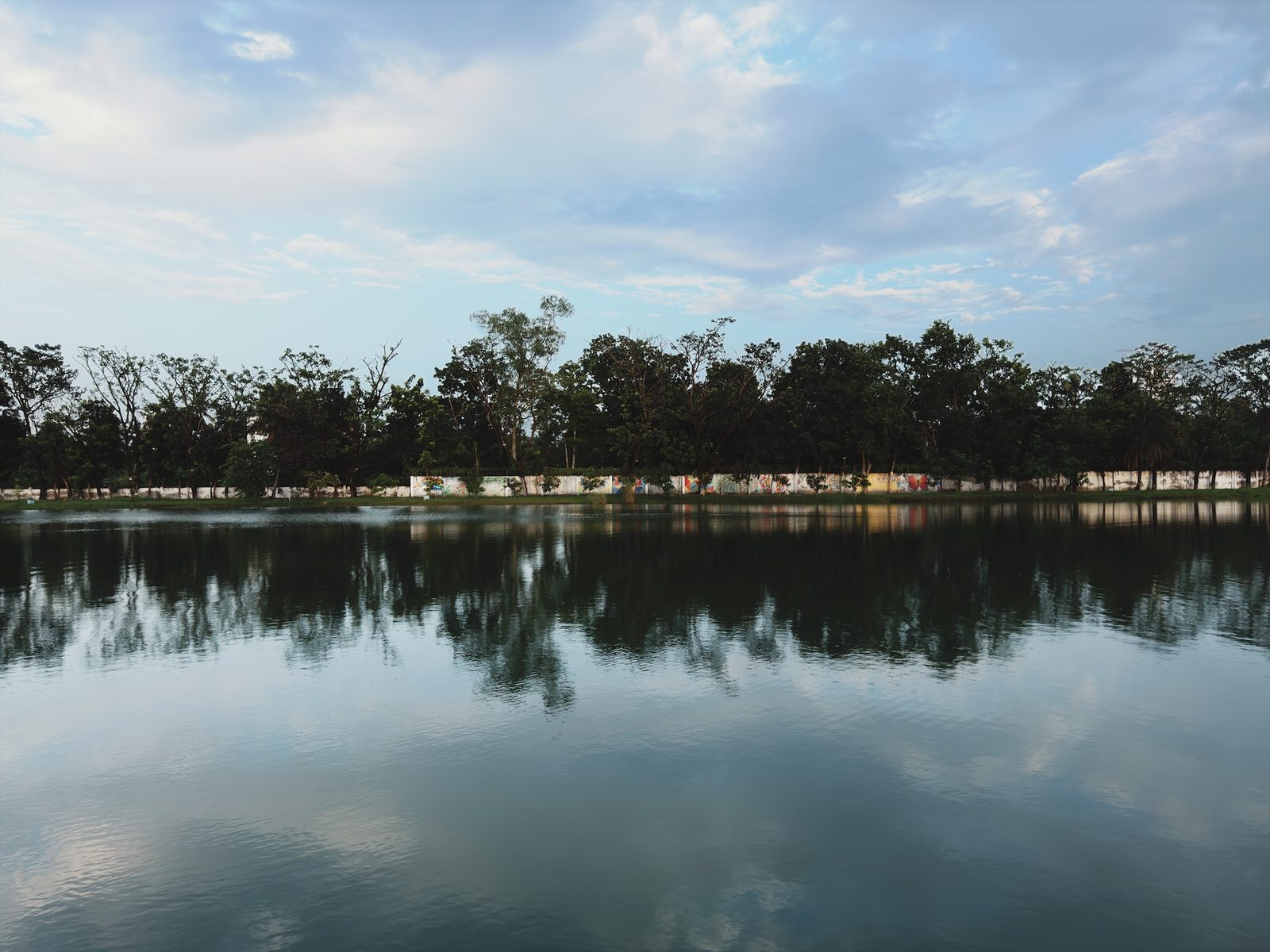 BeforeSky mask
Sharing is caring.
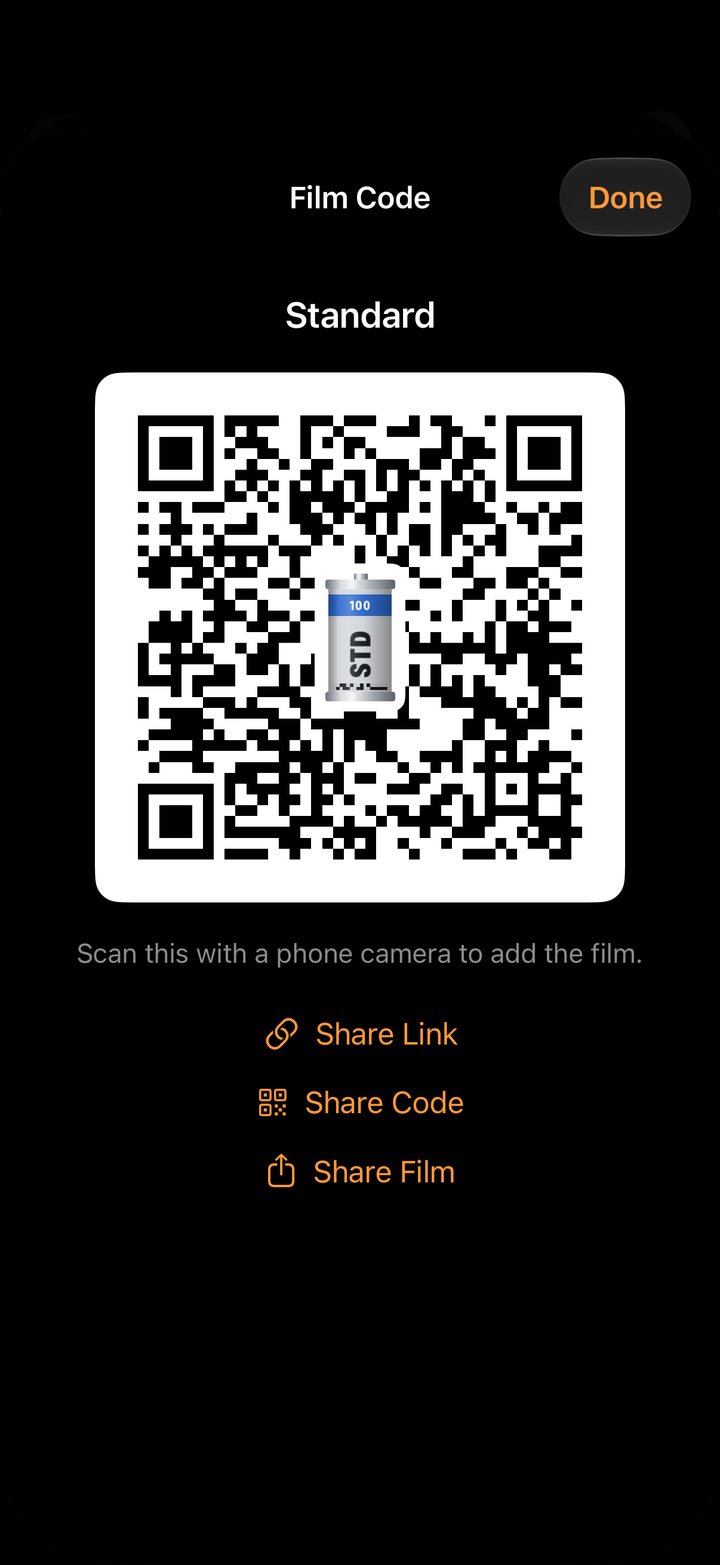
Got a great film? Share it with your friends or the community, as a QR code or as a film file over iMessage or WhatsApp.
Or share the photo itself, framed. Seven frames put it on a mat, an instant print, a film card with a code that loads the film, or a strip of 35 mm negative, with your caption.
Made something great, a film or a photo? Send it to us at [email protected]. We'll hang it on our wall and tell the world about it.
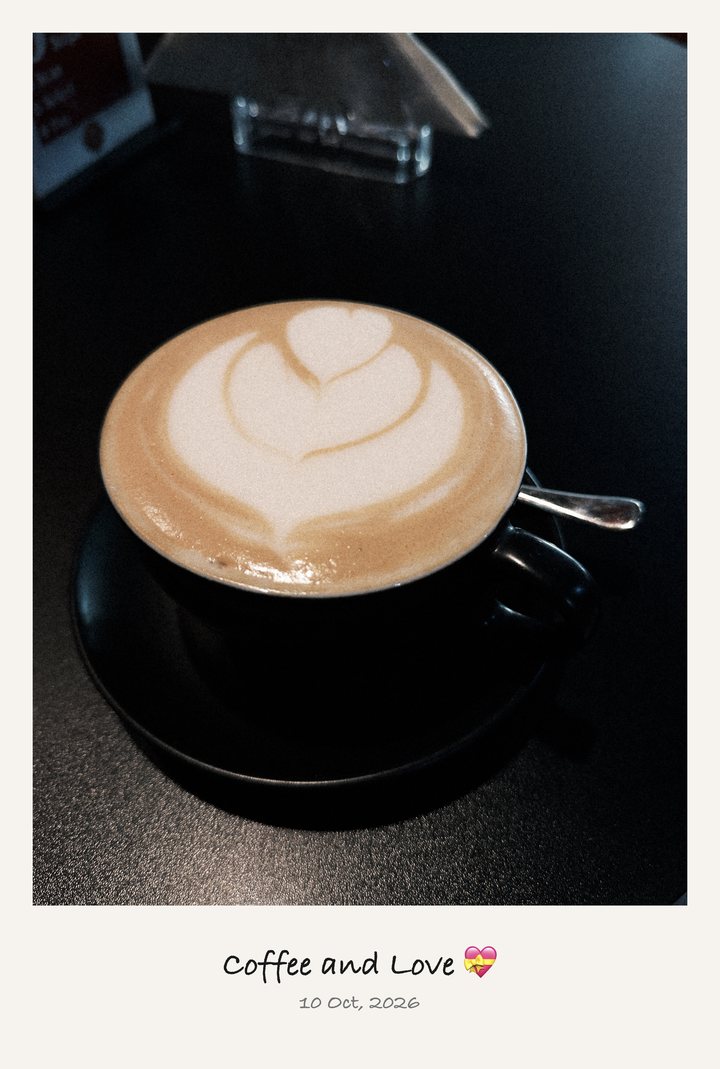 Instant
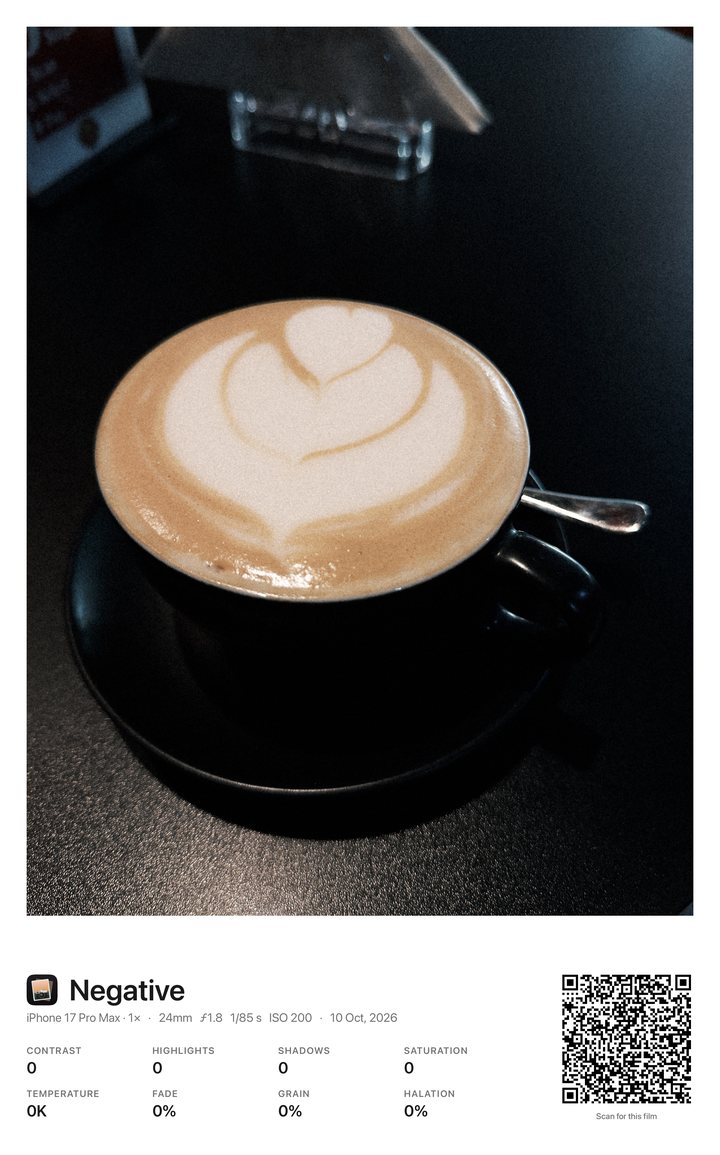 Film Card
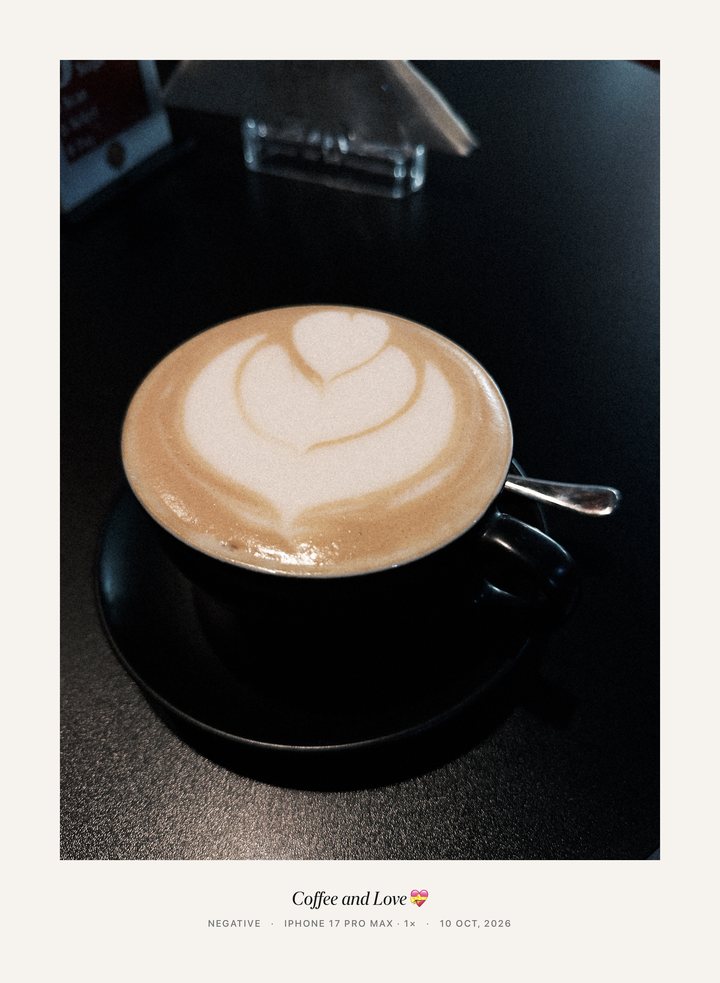 Gallery
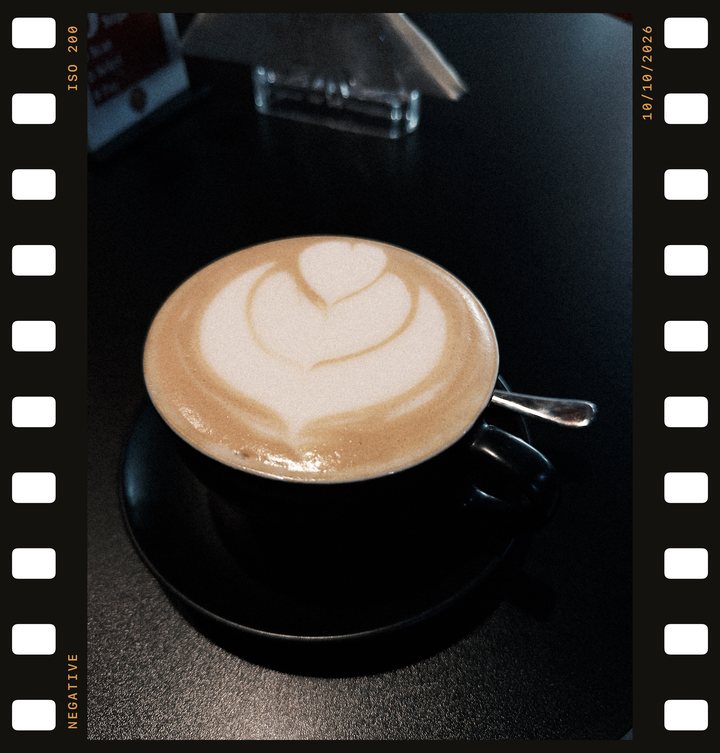 Negative
The bigger picture.
- Capture
- Always RAW. Apple ProRAW on Pro iPhones from 12 Pro, Bayer RAW on the rest
- iPhone
- iOS 26. iPad and Mac aren't supported
- Films
- 24 built in: 15 colour, 9 black and white. Any number of your own
- LUTs
- Import any
.cube; export your films as.cube - Other cameras
- Fujifilm, Sony, Canon, Nikon, Panasonic RAW and more
- Video
- No. It's a stills camera
- Export
- JPEG or HEIC at full resolution, or the original DNG. Seven frames, your caption written into the file. Location only if you turn it on
- Sync
- Films, settings and photos over your own iCloud
- Watch
- Remote shutter with framing preview, 3 or 10 s timer, your films
- Privacy
- No account. No analytics. No pixel made up. Policy
- Languages
- English, Japanese, Korean, Chinese, German, French, Italian, Spanish, Portuguese, Russian
- Made by
- One person. Below
Everything inside the app
No time limit, no watermark, no account. Try it all on your own photographs first.
- Shooting RAW and ProRAW
- Developing with any film, and re-developing
- Making, editing and sharing your own films
- Editing every photo, with masks
- Saving photos in Standard, Soft, Chrome, Portrait and B&W
Keep every film
$29.99 once · or $14.99 a year, first week free · or $1.99 a month
US prices; the App Store shows yours. Family Sharing included.
- Saving and sharing in every film, including your own
- Exporting the original DNG
- Saving many photos at once, or every shot as you take it
- Exporting films as
.cubeLUTs - Your own logo on the frame's caption
Chobial is in beta. Features and prices aren't final yet and may change before release.
How is this different from Photographic Styles?
Apple's Styles and film looks apply to HEIF only — they aren't available when you shoot RAW. Chobial's films are built to work on RAW, you can make your own, and you can change your mind later: every photo stays a negative you can develop again.
Which iPhones does it work on?
iPhones running iOS 26. Every model shoots RAW; ProRAW is used on Pro models from iPhone 12 Pro on. iPad and Mac aren't supported.
Can I use my own LUTs?
Yes. Import any .cube file and build a film on it — adjust tone, colour and grain on top. You can also export any film you make as a .cube for other apps.
Does it shoot video?
No — Chobial is a stills camera.
Do my photos sync through iCloud?
Yes. Films, settings and photos all sync by default: your RAW photos and their edits appear in Chobial on every iPhone signed in to your Apple Account. They're kept in Chobial's own iCloud storage, not in Photos or iCloud Drive, and count toward your iCloud plan. To keep an iPhone's photos to itself, turn off Settings › Sync Photos on it.
Does it use AI?
Films are colour science and film physics — curves, colour transforms, grain, halation — applied to your RAW data. Masks find subjects, skies, people and faces on the device to select areas, or you draw them yourself; no pixels are generated.
App Store? Soon.
Beta testing? Now!
You can try it now on TestFlight. Leave your email and Apple sends you the invite.
Your email goes to Apple to send the invite. We don't store it. Leave the beta any time in the TestFlight app. Privacy
TestFlight is Apple's app for testing apps before they reach the App Store. Install it first if you don't have it yet: TestFlight on the App Store.