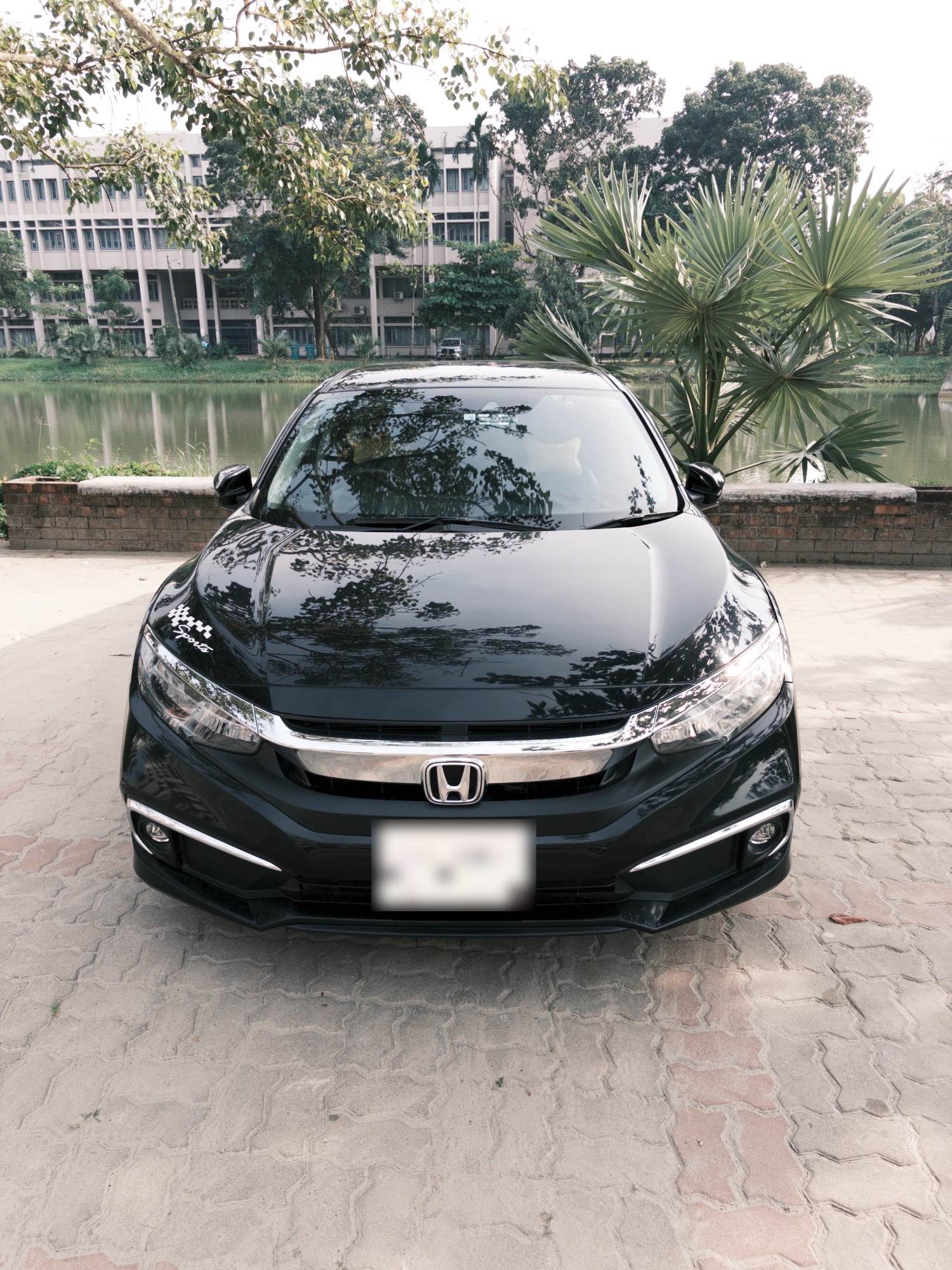
"I want to shoot RAW, but will it fill my phone?" It's a fair question, so here are the sizes of my own RAW files.
Two kinds of RAW on iPhone
There are two kinds of RAW file you'll see on an iPhone.
ProRAW is Apple's RAW format. It's a DNG file with some of the iPhone's processing already applied.
Plain RAW is also called Bayer RAW. It's the sensor data before that processing.
Both are DNG files, and both are RAW. They just stop at different points on the way from the sensor to a finished photo.
Which one you get depends on the phone. ProRAW is on Pro iPhones from the 12 Pro. Plain RAW is on lenses that offer it, like the iPhone Duo's 26 mm lens.
My files and their sizes
All of these are 12 MP photos, 3024 × 4032 pixels. I give sizes in MB, where 1 MB is 1,000,000 bytes.
The iPhone 17 Pro Max shot ProRAW. Both photos were taken on its 24 mm main camera.
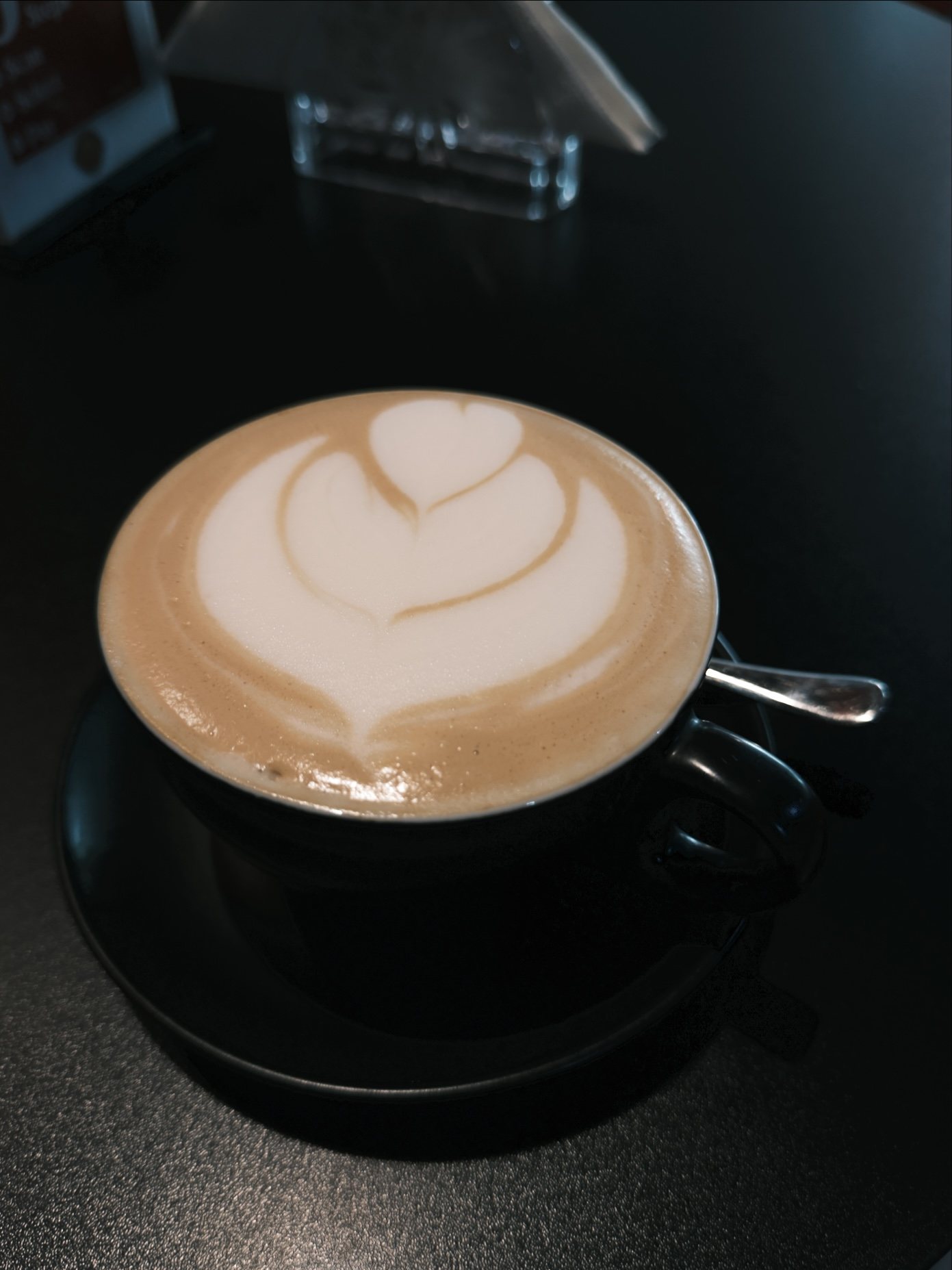
- Latte: ISO 200, 15.7 MB.
- Cappuccino: ISO 800, 13.0 MB.
The iPhone Duo shot plain RAW, on its 26 mm lens. I haven't seen ProRAW on the Duo.
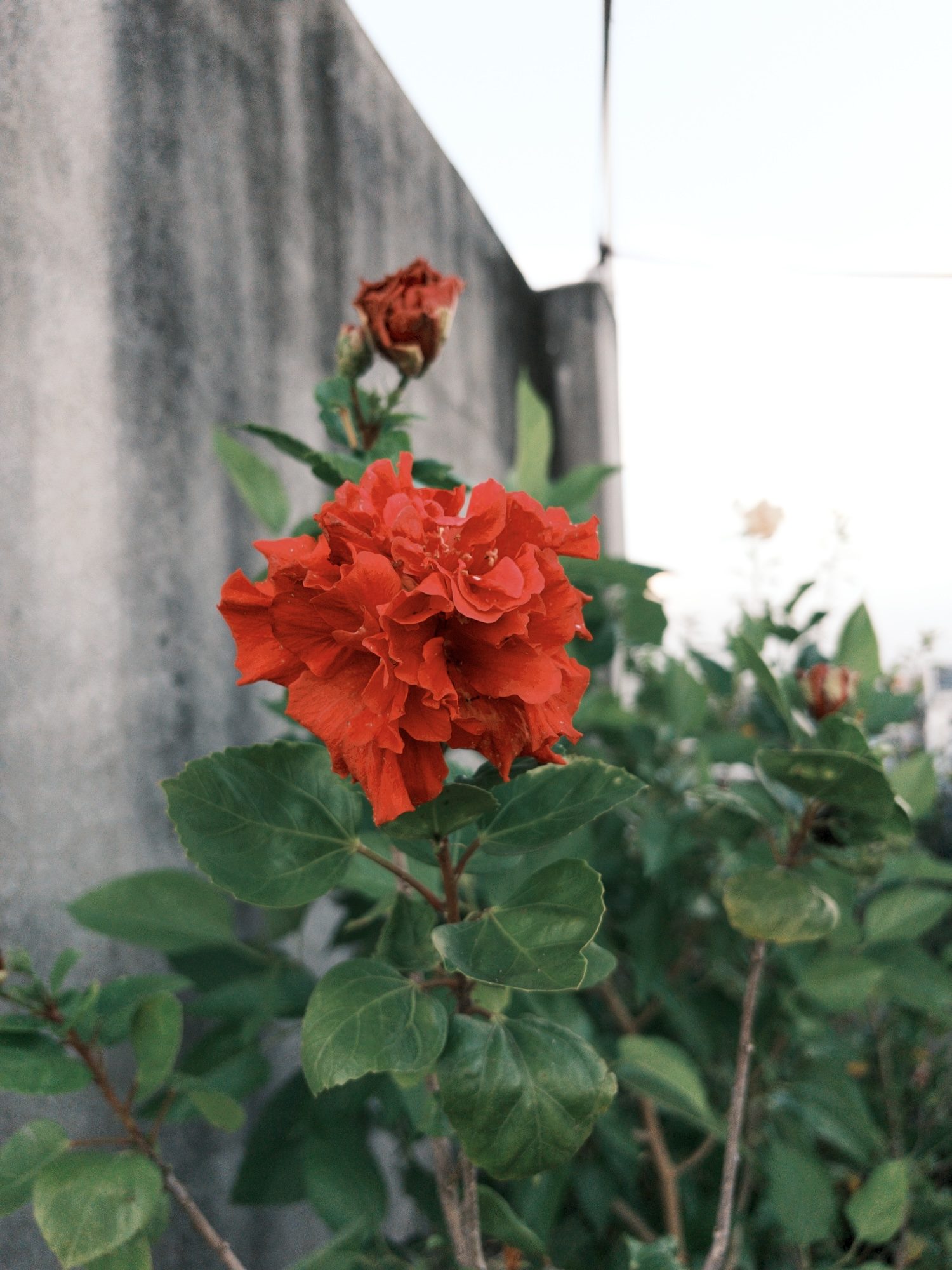
- Rose: ISO 125, 10.6 MB.
- Boats: ISO 64, 11.5 MB.
- Bicycle: ISO 50, 11.6 MB.
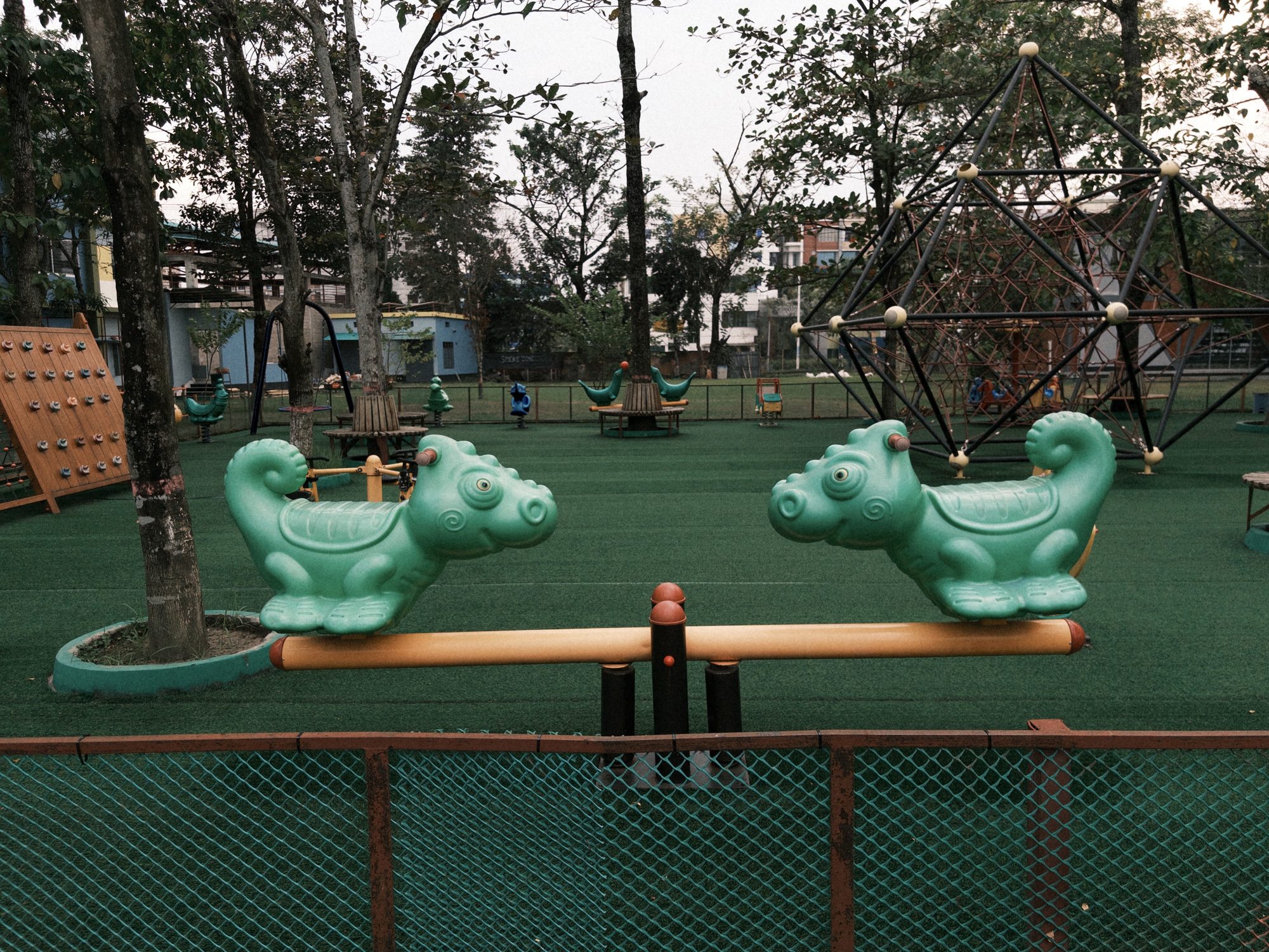
- Seesaw: ISO 50, 12.0 MB.
- Car front: ISO 32, 12.9 MB.
So these RAWs are 10.6 to 15.7 MB each. If you round, that's about 11 to 16 MB a photo. A hundred photos take about 1.1 to 1.6 GB.
The two ProRAW files are the biggest, and the plain RAW files from the Duo are a bit smaller. But there are only seven files here, and the gap between the two groups is small. The car front, a plain RAW, is only 0.1 MB smaller than the cappuccino, a ProRAW.
How many RAW photos fit on your phone
With 11 to 16 MB a photo, the sums are easy to do in your head.
- 10 photos: about 110 to 160 MB.
- 100 photos: about 1.1 to 1.6 GB.
- 1,000 photos: about 11 to 16 GB.
Chobial also has rolls, like a film camera. A roll is 24 or 36 frames, and when it's done you get a contact sheet. A full roll of 36 RAW frames is about 0.4 to 0.6 GB. A roll of 24 is about 0.25 to 0.38 GB.
So two full rolls of 36 take about a gigabyte. Since every frame is a RAW, you can also change your mind about the whole roll later. On the contact sheet, Develop Roll In… puts every frame in another film. Each frame still keeps its original RAW, so you can change it again.
Why the same phone gives different sizes
Sizes change with the scene. More fine detail and more noise make bigger files.
You can see that ISO alone doesn't decide it. The cappuccino was shot at ISO 800, and it's smaller than the latte at ISO 200. On the Duo, the biggest file is the car front, at the lowest ISO of the five. The seesaw at ISO 50 is 12.0 MB, and the rose at ISO 125 is 10.6 MB. Both came from the same phone and the same lens. What's in the frame changes the size too.
So take my numbers as a rough guide. Your own files will be a little different.
RAW next to HEIF and JPEG
I'd like to show HEIF and JPEG sizes of the same scenes next to these. I don't have them yet, so I won't guess.
Is it worth the space?
A RAW keeps the original data, so the film can develop it again later. A HEIF or JPEG is already a finished picture.
I go into that difference in iPhone RAW vs HEIF for a film look. The short version: with a RAW, you can change the film whenever you like, even years later.
The latte above is a good example. I shot it in Negative. The same file has since been developed in Gold, Chrome, Tungsten, Standard and black and white with a red filter. That's six looks from one 15.7 MB file.
Storage in Chobial when you shoot RAW
Chobial keeps your RAW files, but you still have some choices about space.
- Chobial keeps every original. That's what lets you develop a photo again later, so the originals stay in the app.
- iCloud sync uses your iCloud plan. With Sync Photos on, your photos and their edits go to your other iPhones and iPads. That storage counts toward your iCloud plan. You can turn it off in Settings › Sync Photos.
- You can shoot HEIF or JPEG when you don't need RAW. Change it any time in Settings › Format. You can also tap the format beside the picture, at the left of the Dynamic Island. Or use the Format tile in Controls.
- Some lenses have no RAW. Where a lens has no RAW, Chobial takes HEIF.
- You can take a RAW out of the app. Open the photo, tap Export and pick RAW as the format. You get the developed picture with the original DNG attached. Exporting the DNG is part of Pro.
The Settings › Photo Size menu has three sizes: Fast Capture (12 MP), Balanced (24 MP) and Best Quality (48 MP). All my files above are 12 MP.
In Chobial
On the camera side, Chobial shoots RAW by default. That's ProRAW on Pro iPhones from the 12 Pro, and plain RAW on lenses that offer it. The film is live in the viewfinder, so you see the look while you shoot. The file you keep is still the RAW.
On the editor side, that RAW is what you develop. Open Library › photo › Edit, tap the Film tool and pick another film. The photo is developed again from its original. The Light tool works from the RAW too. Its Exposure slider goes from −3 to +3, so you can bring back a dark corner later.