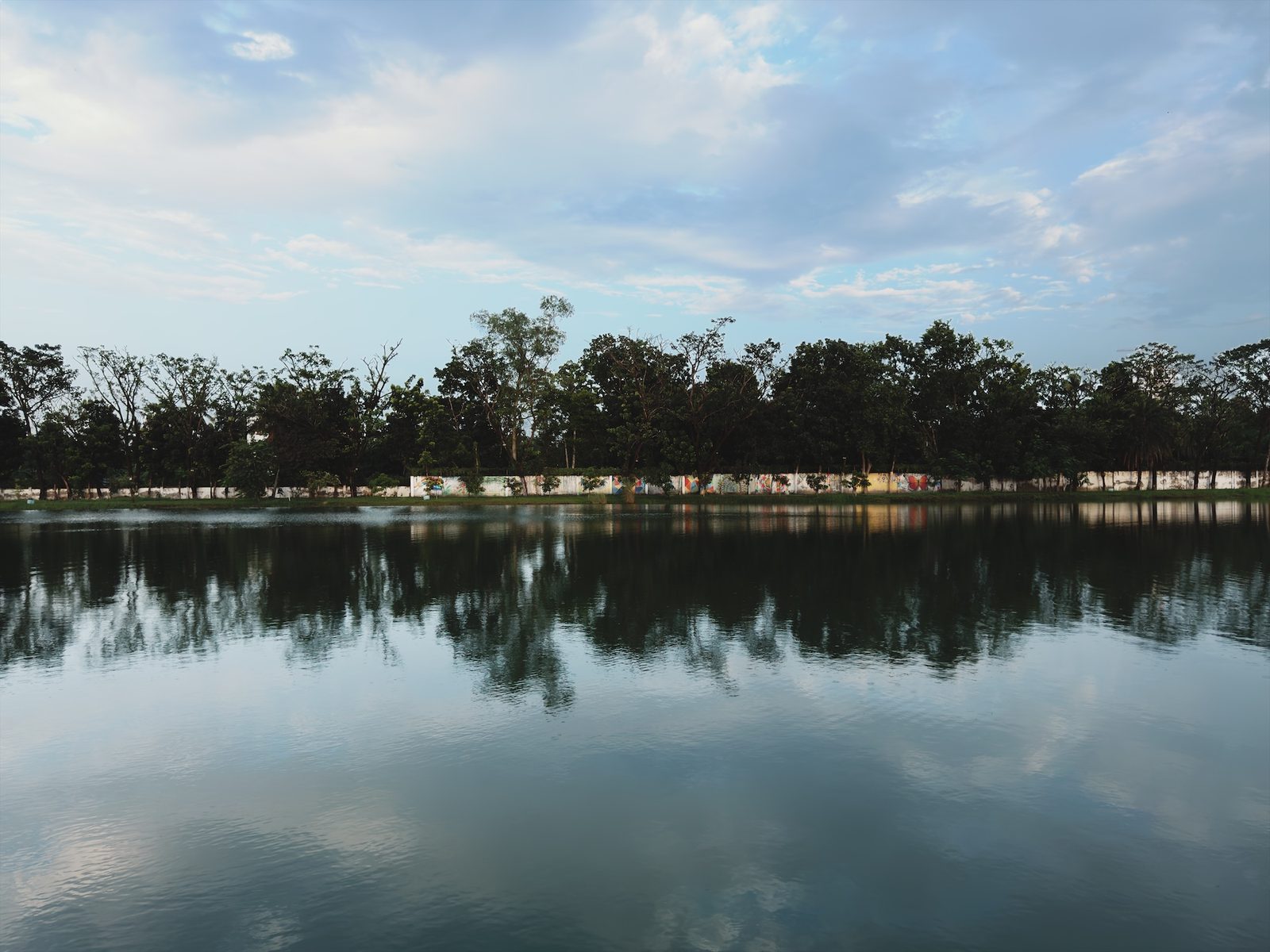
Most of the time you can leave it alone, and the phone picks a time for you. But maybe you want water drops frozen in the air, or a passing car blurred. Then it's worth setting it yourself.
What shutter speed is
Shutter speed is how long the camera collects light for one photo. It's written as a fraction of a second, such as 1/1000 s. So 1/1000 s is one thousandth of a second, and 1/30 s is about thirty times longer.
The time changes two things in your photo.
- How much light gets in. Doubling the time doubles the light.
- How movement looks. A short time (1/1000 s and faster) freezes movement, like water drops or a moving car. A long time (1/30 s and slower) lets moving things blur. At those long times, your hand shaking can blur the whole photo too.
Why shutter speed and ISO work together on a phone
A camera controls brightness with the shutter speed, the ISO and the aperture.
If you double the time, the photo gets twice as much light. To keep the same brightness, you halve the ISO or close the aperture. Phone lenses have a fixed aperture, so they can't do the second one. On a phone, shutter speed and ISO do all the work.
So when you change one, the other has to move. A shorter time means a higher ISO. A longer time means a lower ISO.
What the phone picks in Auto
In Auto, the phone picks both itself. In bright sun it picks very short times. In dim rooms it picks longer times and higher ISO.
My own photos show the same pattern. These two were taken with the iPhone 17 Pro Max in bright sun.
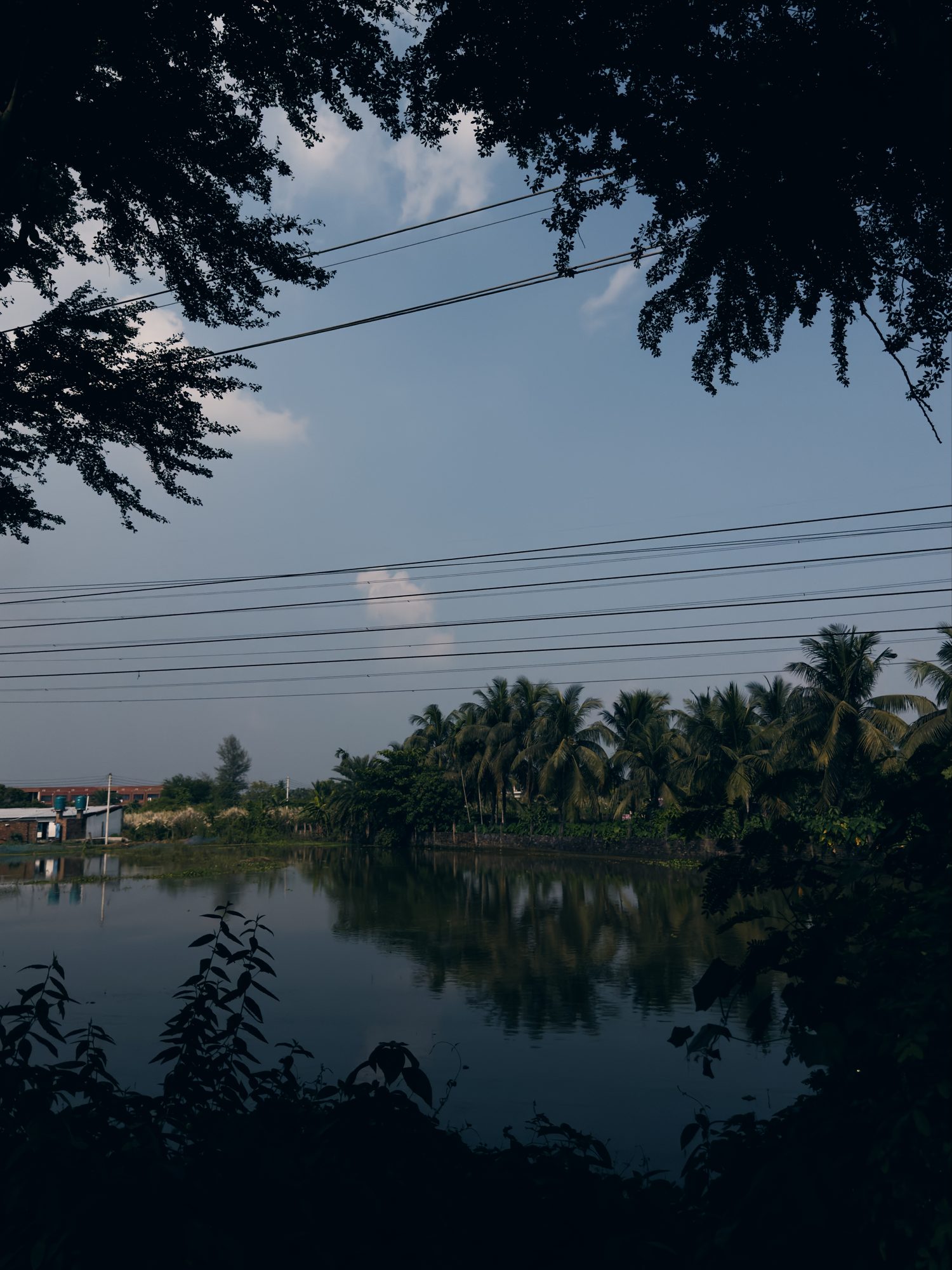
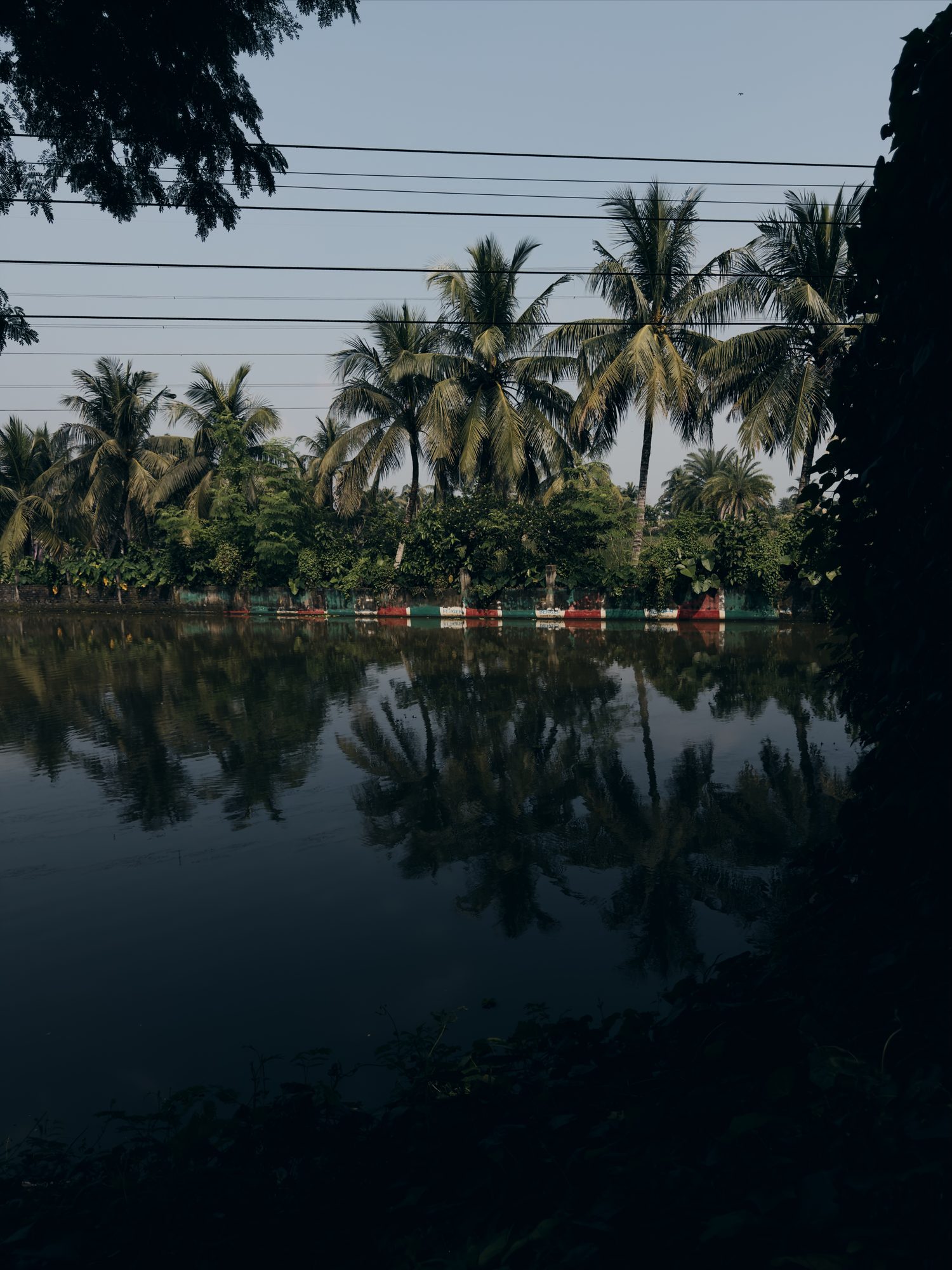
Both are far shorter than the 1/1000 s that freezes movement. There was a lot of light to spare.
Indoors, the numbers go the other way. These two were taken inside.
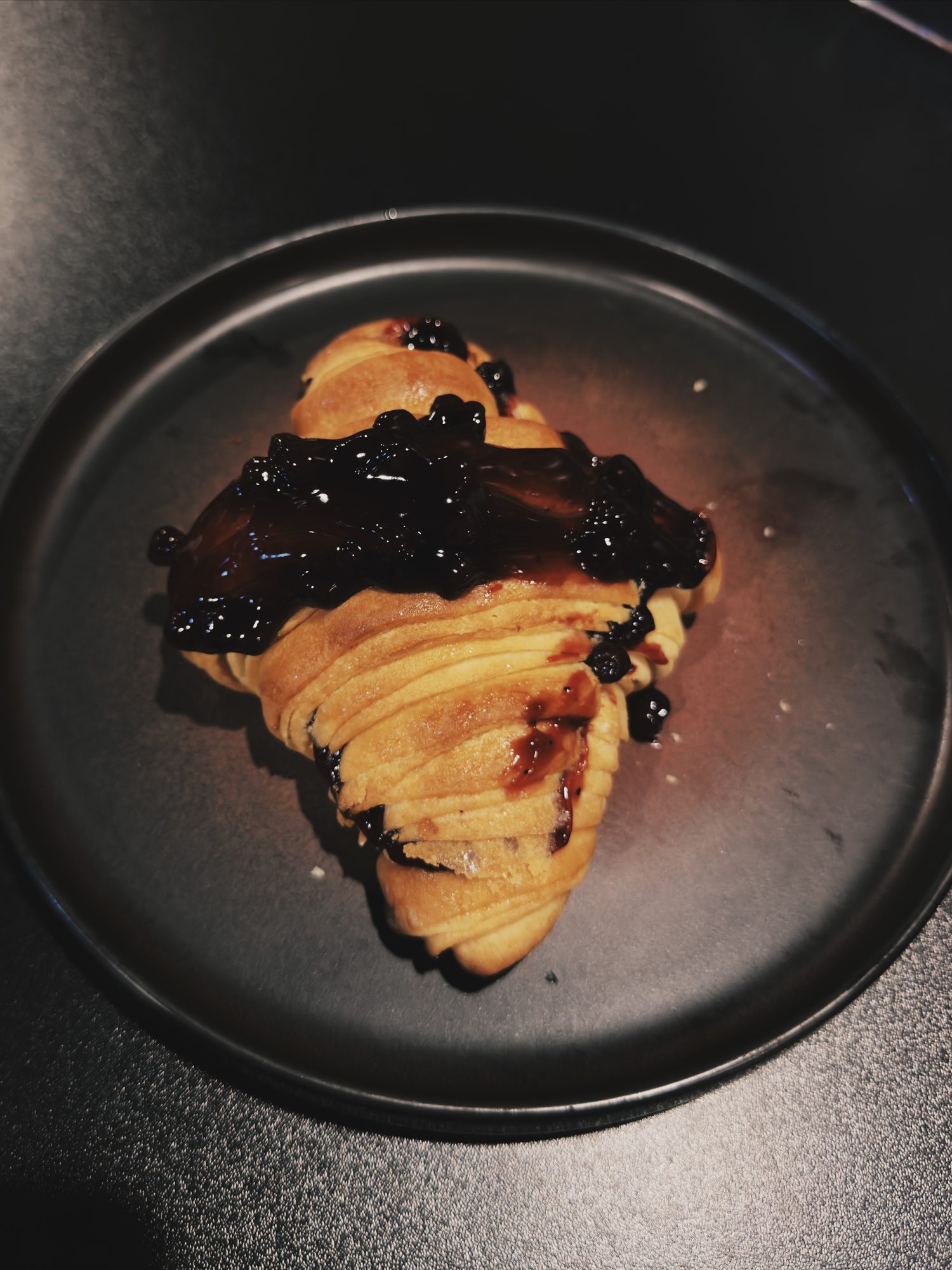
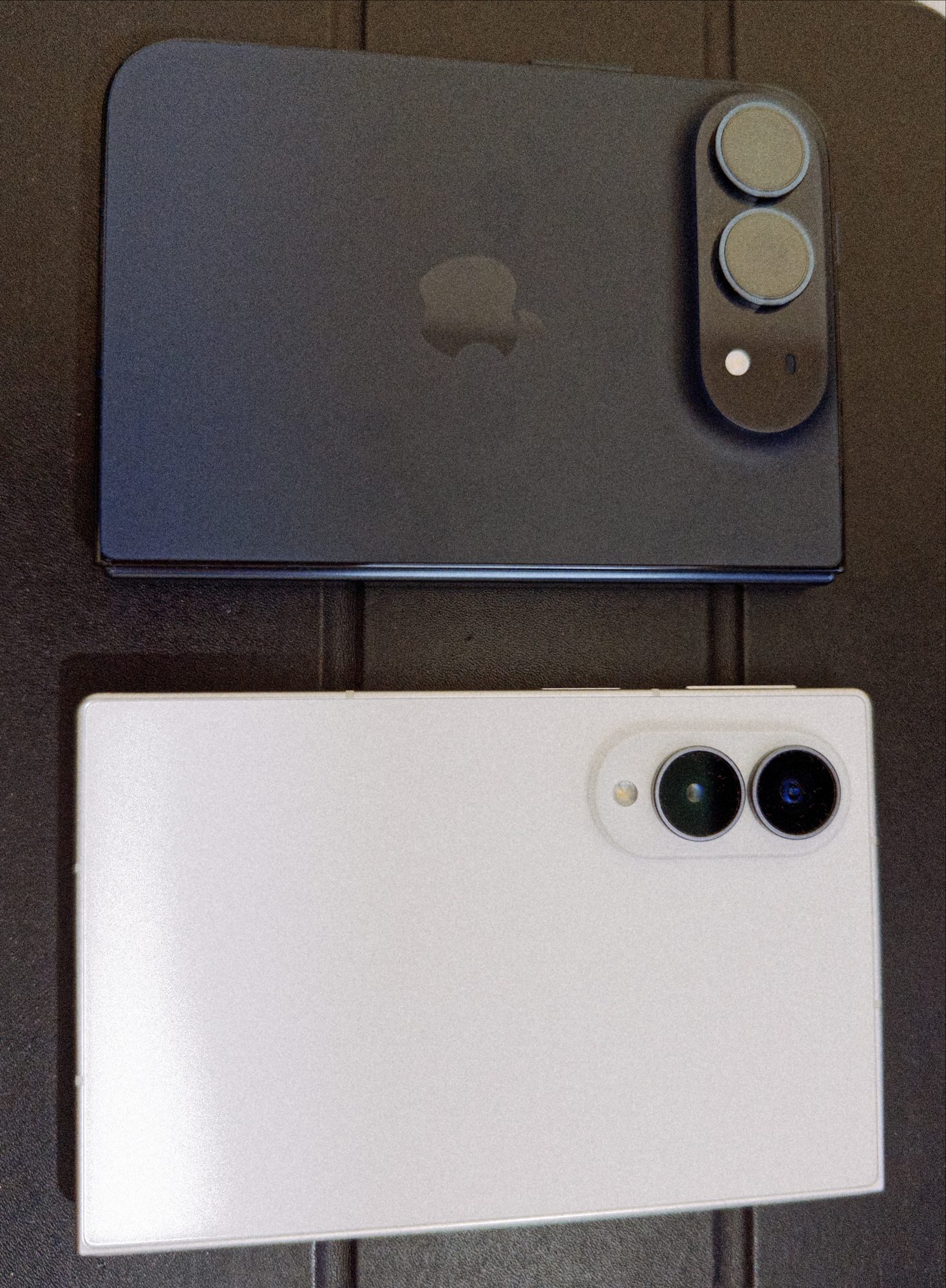
Both stayed at 1/30 s, and the ISO went up instead. ISO 1600 is twenty times ISO 80, and a higher ISO means more noise.
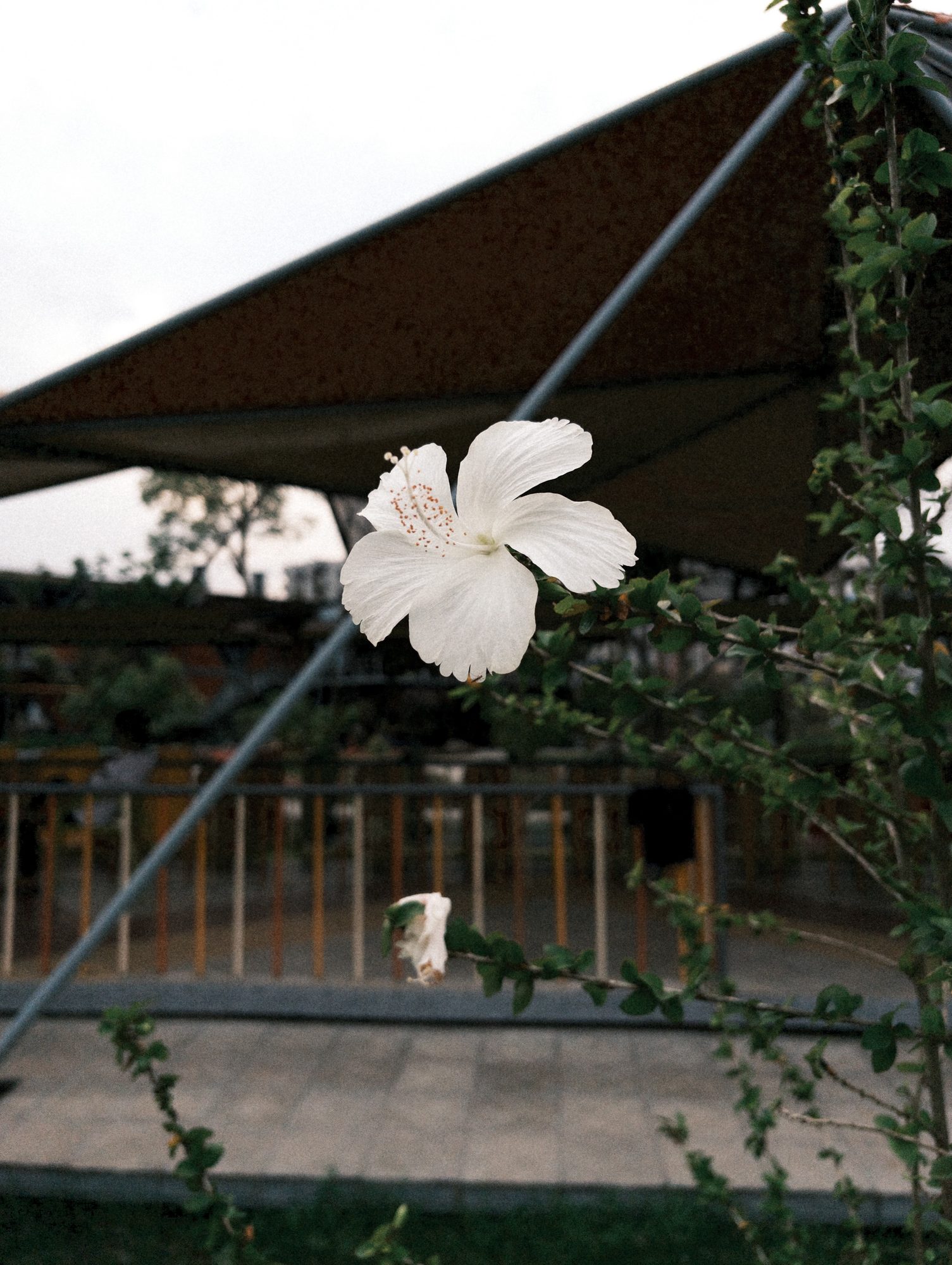
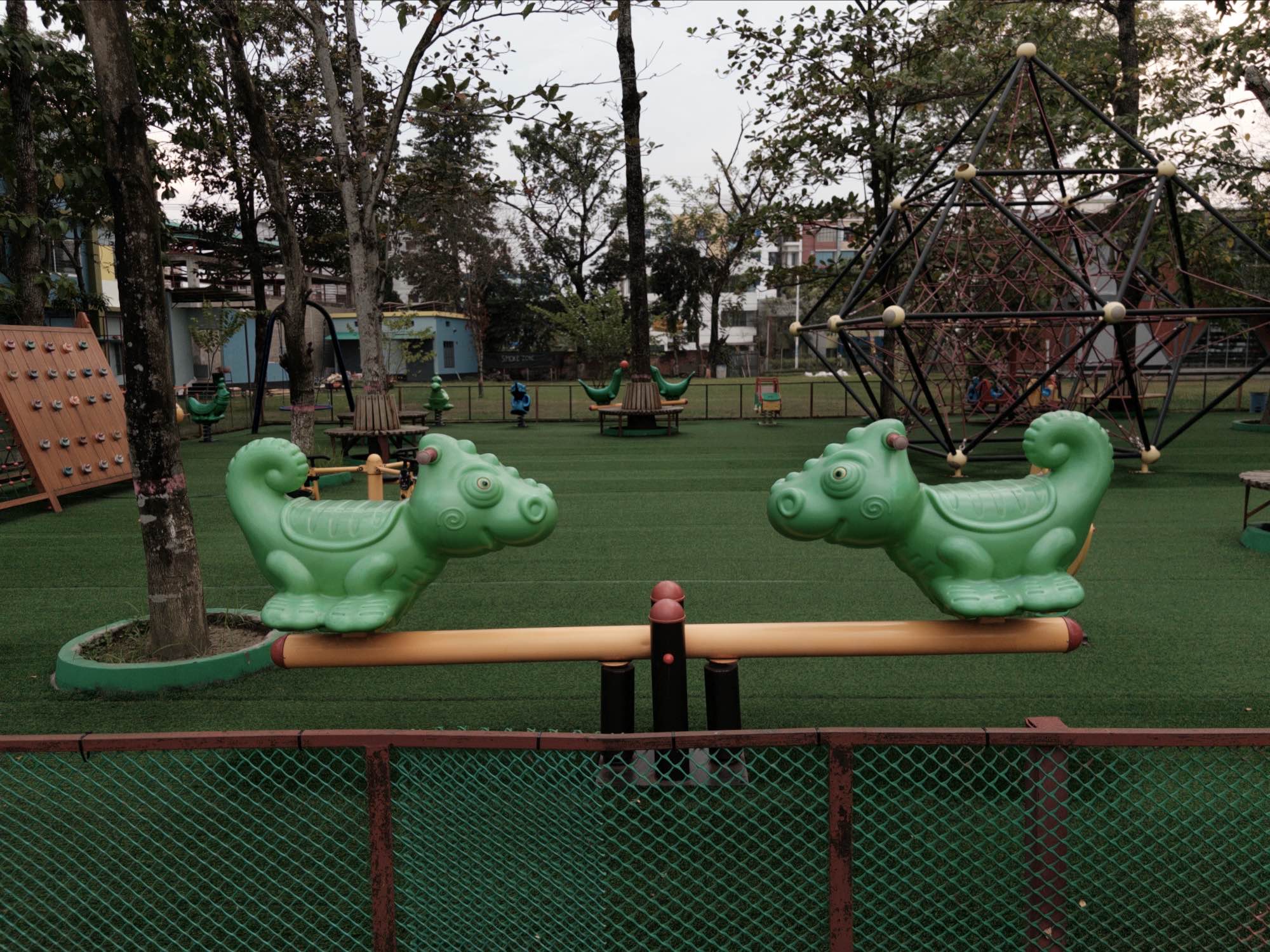
Here are two more, from the iPhone Duo and in between those extremes.
When you'd set it yourself
Auto is fine for most photos. There are three good reasons to set the shutter yourself.
To freeze something fast
In Auto, the phone might pick a time that's too long for the thing you're shooting. Water from a tap, a dog running or a car passing all need a short time. Set 1/1000 s or faster and the movement stops. In dim light the ISO will go up to make up for it, so expect more noise.
To show motion blur on purpose
Sometimes the blur is the point. A long time turns moving water soft and makes a passing car look fast. Try 1/30 s or slower. The things that don't move stay sharp, as long as the phone stays still. Lean on a wall or rest the phone on a table, because at these times your hand can blur the whole frame.
To keep ISO low for less noise
If you can hold still and nothing in the scene is moving, a longer time lets in more light. Then the ISO can stay low, and the photo has less noise. This helps in a dim room with a still subject, like food on a plate.
How to set shutter speed in Chobial
Chobial has no exposure modes to pick. What you touch is what you set. With nothing touched, the camera sets ISO and shutter for you.
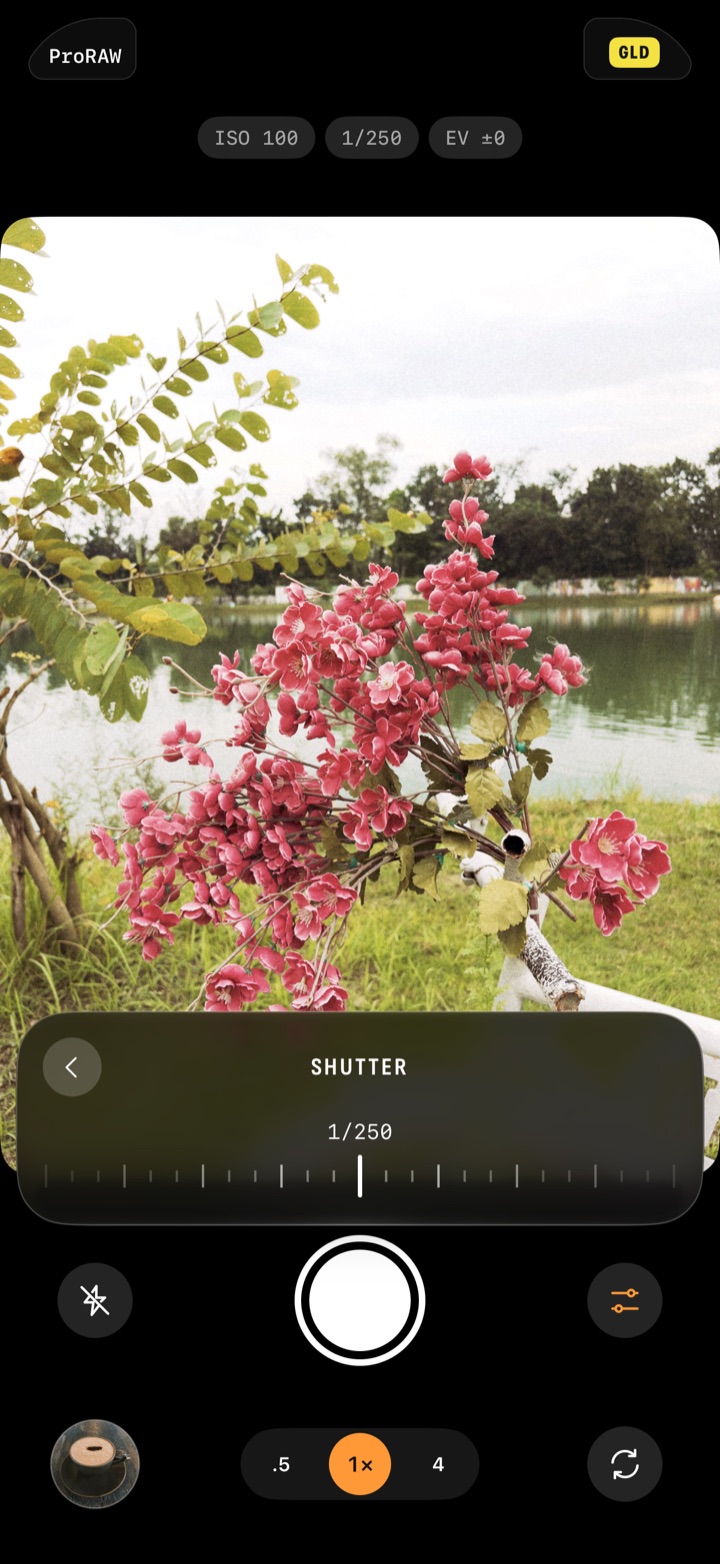
- Tap the shutter value in the exposure line. Or tap Controls, then the Shutter tile.
- The panel turns into one dial across the bottom. Slide it sideways to pick a time.
- The camera keeps setting the ISO for you. To make the photo brighter or darker, drag up or down on the picture, and the ISO follows.
- To set the ISO too, tap ‹ to go back, then tap ISO and slide that dial. Now you set both. The exposure line shows EV in grey. It's how far your settings are from what the meter would pick.
- To hand the shutter back, tap Auto on its dial. Back to Auto in the panel hands back everything.
A value you set by hand turns orange in the exposure line, so you can see what's yours at a glance.
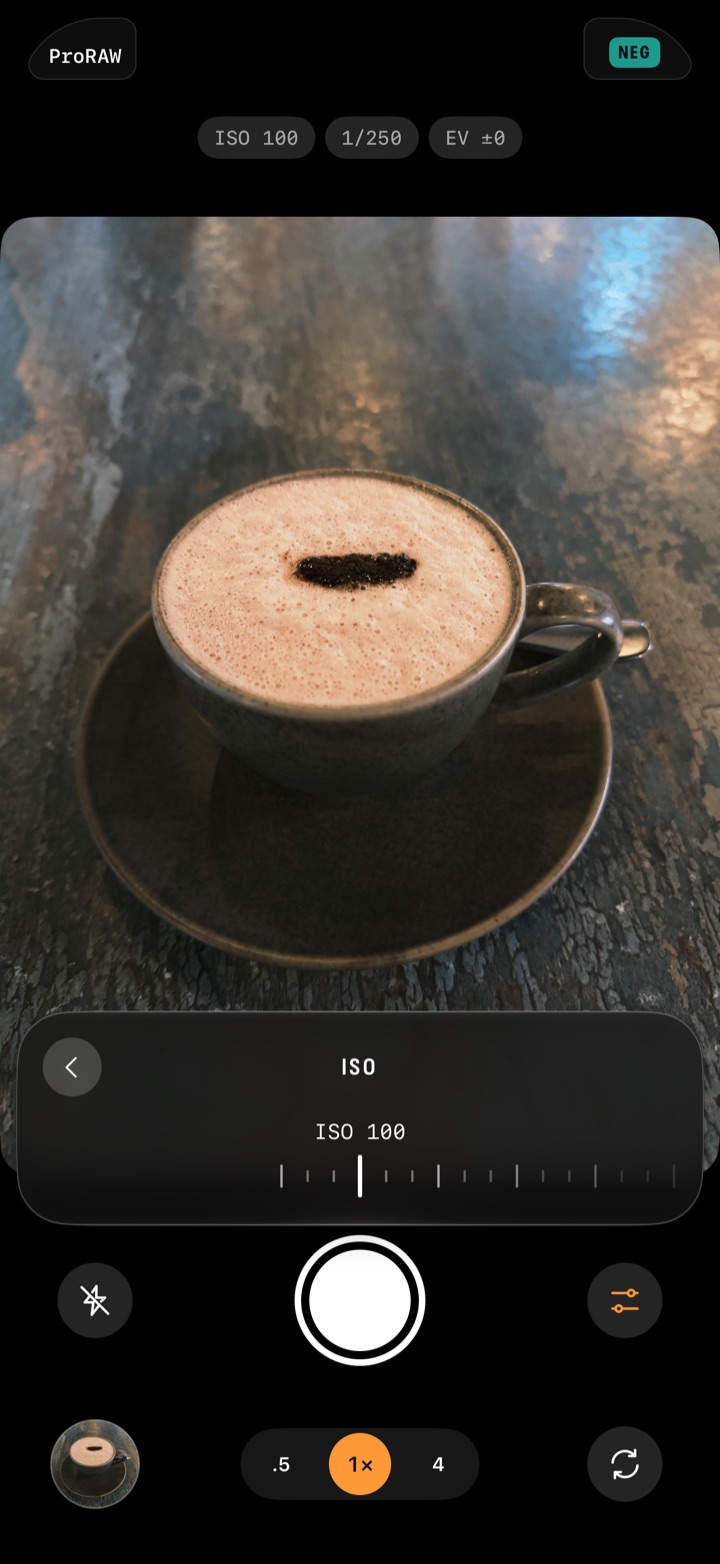
If you only care about noise, you can go the other way round. Set the ISO and leave the shutter alone. The camera keeps setting the shutter for you.
The dial's range depends on your phone and lens, so it isn't the same on every iPhone.
Two more details are handy here. If you tap a person or a pet to follow them, auto exposure keeps the shutter at 1/125 s or faster. And if you only want the photo brighter or darker, you don't need the shutter at all. Drag up or down on the picture instead.
There's more on all of this in the exposure help.
In Chobial
The film is live in the viewfinder while you set the shutter. So while you slide the dial, the picture is already developed in the film you've loaded. You can swipe across the picture to try another film before you shoot.
Chobial takes RAW by default. That gives you room to fix exposure later. In the editor, the Light tool has an Exposure slider from −3 to +3. It works from the RAW, so a photo that came out a little dark can still be brought up. It can't fix blur, though. If the shutter was too slow and the photo shook, that stays in the file.
To change exposure later:
- Open the Library and tap the photo.
- Tap Edit, then the Light tab.
- Slide Exposure.
There's more about what each half of the app does on the camera and editor pages.